





No matter how immersed you are in a particular hobby or job, there always seems to be jargon that floats around the periphery that you rarely if ever explore.
Dolby Vision IQ is a feature I’ve been broadly familiar with for years, but didn’t consider in any depth until recently. If it was mysterious for me, it might be outright confusing if you’re a casual TV viewer. Here, then, is a quick primer on the tech, and whether you should bother enabling (or disabling) it on your TV.
What is Dolby Vision IQ, and which devices support it?
An answer to a common problem

Vision is Dolby’s proprietary HDR (high dynamic range) standard. The chief goal of any HDR format is to extend highlights and shadow detail, bringing contrast closer to the limits of the human eye. Even on a PC monitor, HDR can make images feel more natural, or at least add a “pop” to them that SDR (standard dynamic range) contrast lacks. Vision in particular supports up to 10,000 nits of peak brightness, which panel technologies like RGB mini-LED are only now starting to achieve. Along with this you get an expanded color palette, commonly at 10-bit depth, although 12-bit color is supported. Most of these extra colors won’t register in your brain, but they contribute to realistic rendering.
The most frequent problem with Vision is extreme darkness. While it uses dynamic metadata that allows creators to adjust images on a scene-by-scene or frame-by-frame basis, you can still end up with indiscernible content, much like the “Long Night” episode of Game of Thrones was for many viewers. This flaw is most likely to manifest on cheaper TVs with lower performance, something Dolby is looking to fix with improved tone mapping in Vision 2. You’ll be waiting a while for that, though — the first compatible TVs are only now hitting the market, and there’s little if any mastered content.
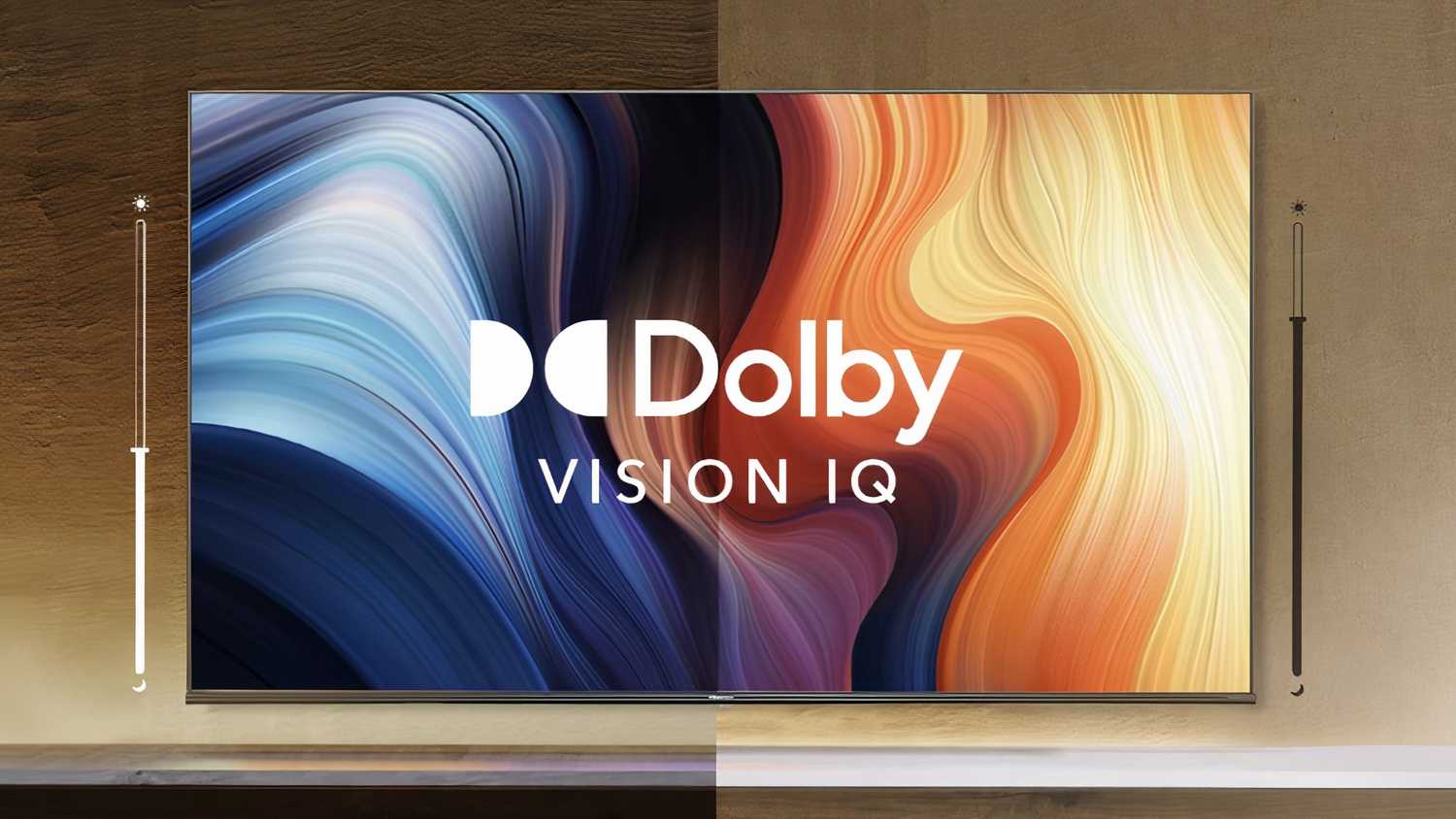
In the interim, one of Dolby’s bandage solutions is Vision IQ. The technology uses your TV’s ambient light sensor to detect room conditions, then adjusts Vision settings to compensate.
Initially, this might sound like your TV’s generic auto-brightness feature, which is only meant to save power. Vision IQ, however, is targeted squarely at image quality, optimizing it based on that metadata I mentioned a moment ago. In theory, it should preserve the intended dynamic range instead of simply dialing brightness up or down.
As of this writing, a fairly large number of TVs support Vision IQ, the main requirements being Vision compatibility and that light sensor. Some brands with supporting models include LG, Sony, Hisense, and TCL. The only serious gap is Samsung, which refuses to offer Vision at all, even on TVs costing six digits. It’s backing HDR10+ instead — a standard it collaborated on, and conveniently doesn’t involve any royalty fees.
Should you use Vision IQ on your TV?
There are alternatives

It’s worth testing if you have access to it, at least. Some users report very tangible improvements. In your home, the difference is probably going to vary based on the media you’re watching and what your room is like, but as long as you can get a better HDR experience, that’s all that matters.
With that said, it doesn’t always work consistently across different TVs, and in rare cases you might run into visual glitches. Sometimes, the way the feature is enabled can be awkward. LG TVs, for example, may require you to activate a Cinema Home picture mode first, then AI Brightness. None of those things scream “Dolby Vision IQ” — which might be intentional, since TV makers are fond of rebranding things they didn’t invent. Considering the backlash against generative AI, you might even consciously avoid LG’s label.
If you don’t trust Vision IQ, you can probably fix pitch-black scenes by turning on Vision’s Bright or Custom modes, depending on your TV. The secret is that Vision defaults to a Dark or Filmmaker Mode, intended for high-quality TVs sitting in dim or lightless spaces. Most people have budget or mid-range TVs, however, and don’t necessarily want to close every blind and flip every light switch just to watch Aliens again.

- Brand
-
LG
- Display Size
-
42, 48, 55, 65, 77, or 83 inches
- Operating System
-
webOS
- Display Type
-
OLED