




Does it ever feel to you like there’s so much going on in the world it’s hard to keep up? A lot of events mean a lot of news, and I was tired of wasting time reading news I didn’t really care about instead of news that I did. I decided to set up my own daily newsletter that I could read on my Kindle, full of things I was genuinely interested in.
I wanted to read news on my Kindle
It’s my favorite distraction-free device
Pretty much all the information from human history is available on my phone through the internet, so why not just read news on my phone like a normal human? The problem is that my phone has access to too much. It’s easy to fall down pointless rabbit holes and miss the things that actually matter.
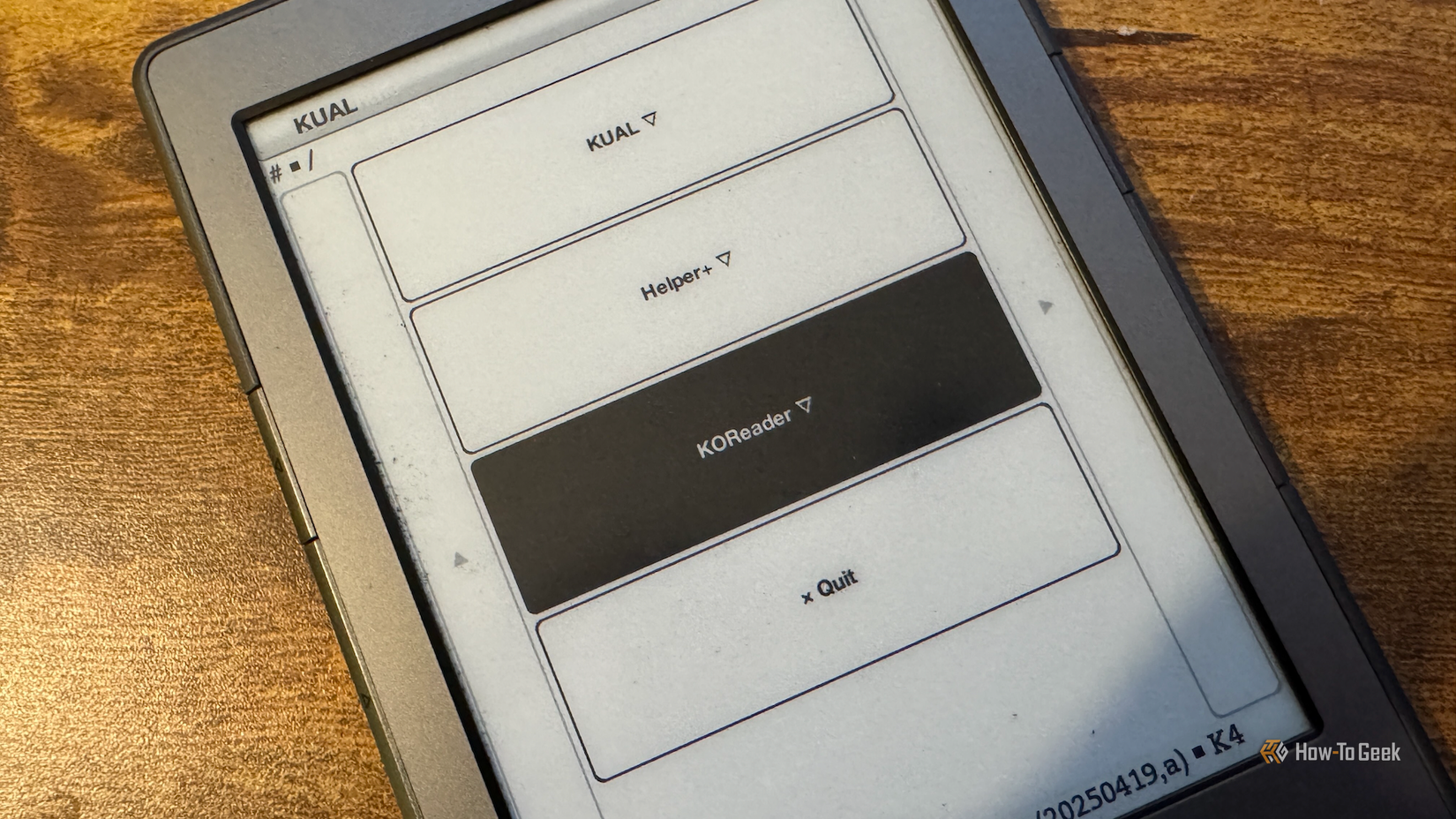
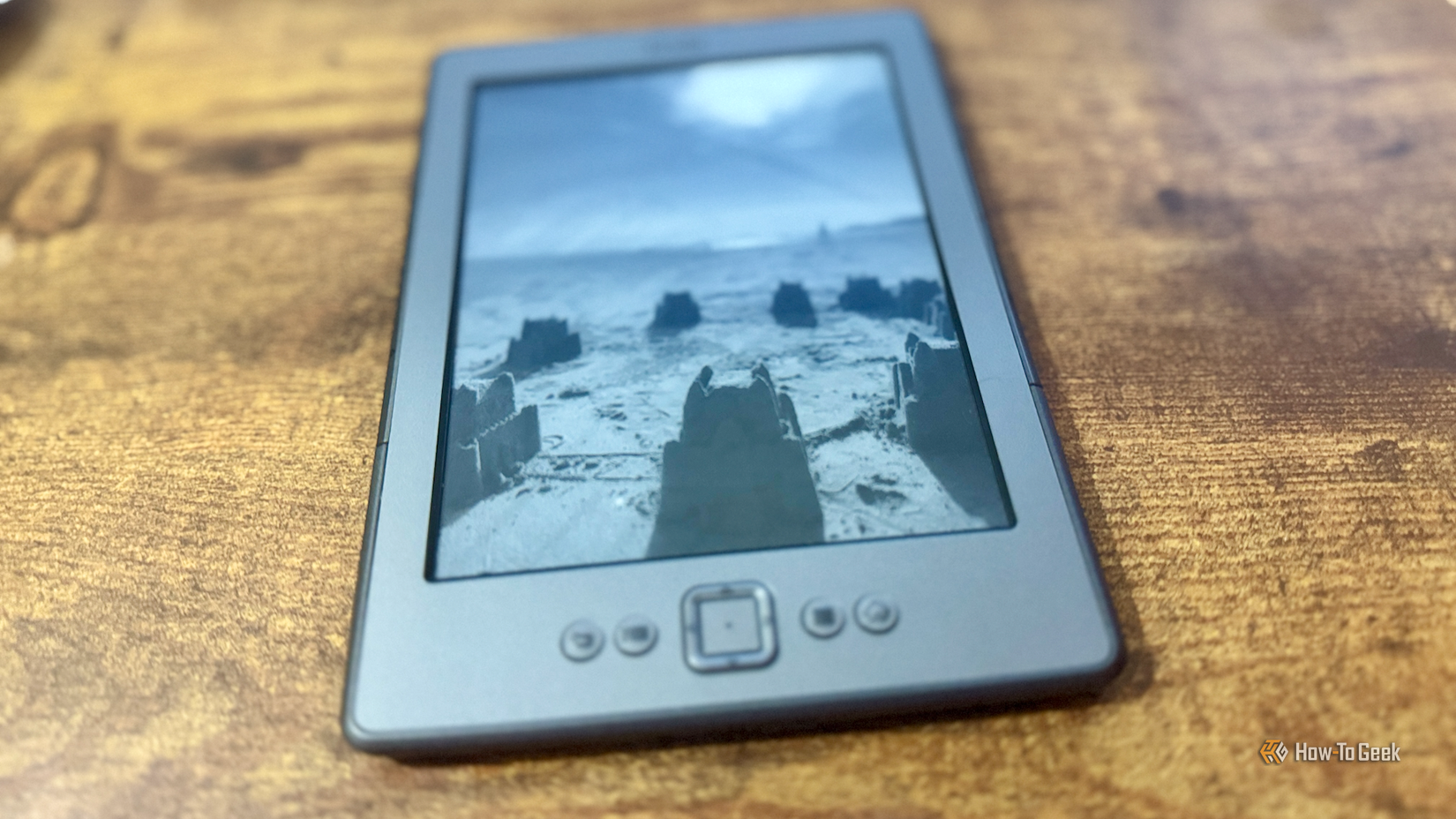
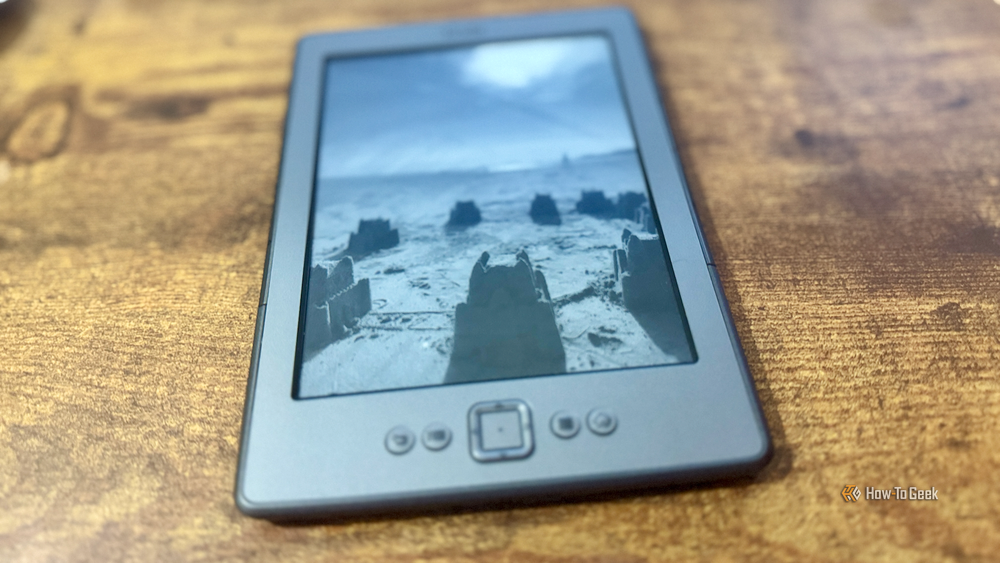
It’s also far too easy to get distracted by other things, whether that’s doomscrolling through Reddit or being sucked into another run on Slay the Spire. I wanted to build a newsletter that I could read on my jailbroken Kindle 4, because it offers far fewer distractions. The only other distractions I’d be able to access would be books, which are far less tempting than Balatro.

- Storage
-
16GB
- Screen Size
-
6-inches
Even in the budget department, the Amazon Kindle is a stellar value, from its light and compact design, to its adjustable front light and 6-inch display.
I get to read the exact topics I want

The first challenge was to find a way to access exactly the content I wanted without having to wade through a whole bunch of stories that I had no interest in. The solution was to use technology that’s been around for even longer than my Kindle: RSS.
In 2026, there are still plenty of RSS feeds that you can subscribe to, including feeds from major news publications as well as feeds from sites that cover niche topics. This means I can choose the exact RSS feeds that I want, so that all the articles I get are on topics I’m actually interested in.
While many of the publications I wanted to subscribe to (such as How-To Geek, obviously) have their own RSS feeds, there aren’t always suitable feeds for specific topics. However, Google News still has an RSS search URL at news.google.com/rss/search, and you can add search terms such as https://news.google.com/rss/search?q=%22home+assistant%22 to access news about specific topics.
A local LLM creates the newsletter
Curated stories to suit my tastes
I selected RSS feeds from my favorite news sites and tech sites, as well as feeds for my favorite soccer team. Each RSS feed contains multiple stories, and the result was a list of stories that was far too long for a newsletter that I wanted to be able to read in a spare few minutes. I needed a way to cut the list of stories down to size and turn them into an easily digestible newsletter.
The solution was to use AI, but rather than relying on a cloud-based service such as Claude or ChatGPT, I wanted to use a local LLM. I run some local models on my mini PC and my MacBook, and while my hardware is too weak to run any large models, it can handle the smaller models, albeit with slow output.
I set up an automation in n8n, the self-hosted automation software, which organizes the entire workflow. The stories are pulled from the RSS feeds, filtered and deduplicated, then passed to the LLM, which chooses the best four or five stories from the list, aiming for a variety of topics. It then creates two key sections.
The first is a TL;DR block that gives a single-sentence summary of each story on the first page of the newsletter. The second section is a short write-up of each story, so that the entire newsletter can be read from start to finish in about 10 minutes.
Getting the newsletter onto my Kindle
It’s published from a local server
The final stage was to get the finished newsletter onto my Kindle. The output is in Markdown format, and this is converted to the EPUB file format using Pandoc, a free and open-source document converter. The file is then passed to a container on my mini PC running Calibre-Web, the self-hosted web app that holds my regular eBook collection.
Each day, the previous day’s edition is replaced with the new version. I can then access the new edition of the newsletter each morning through an Open Publication Distribution System (OPDS) catalog in the KOReader app on my jailbroken Kindle.
A custom newsletter is a great way to start the day
Since my newsletter only gives me a short summary of each story, it doesn’t take long to read, but still gives me a taste of what each story is about. If there are any stories that I want to know more about, I can look up the original articles online and read the full thing at my leisure.