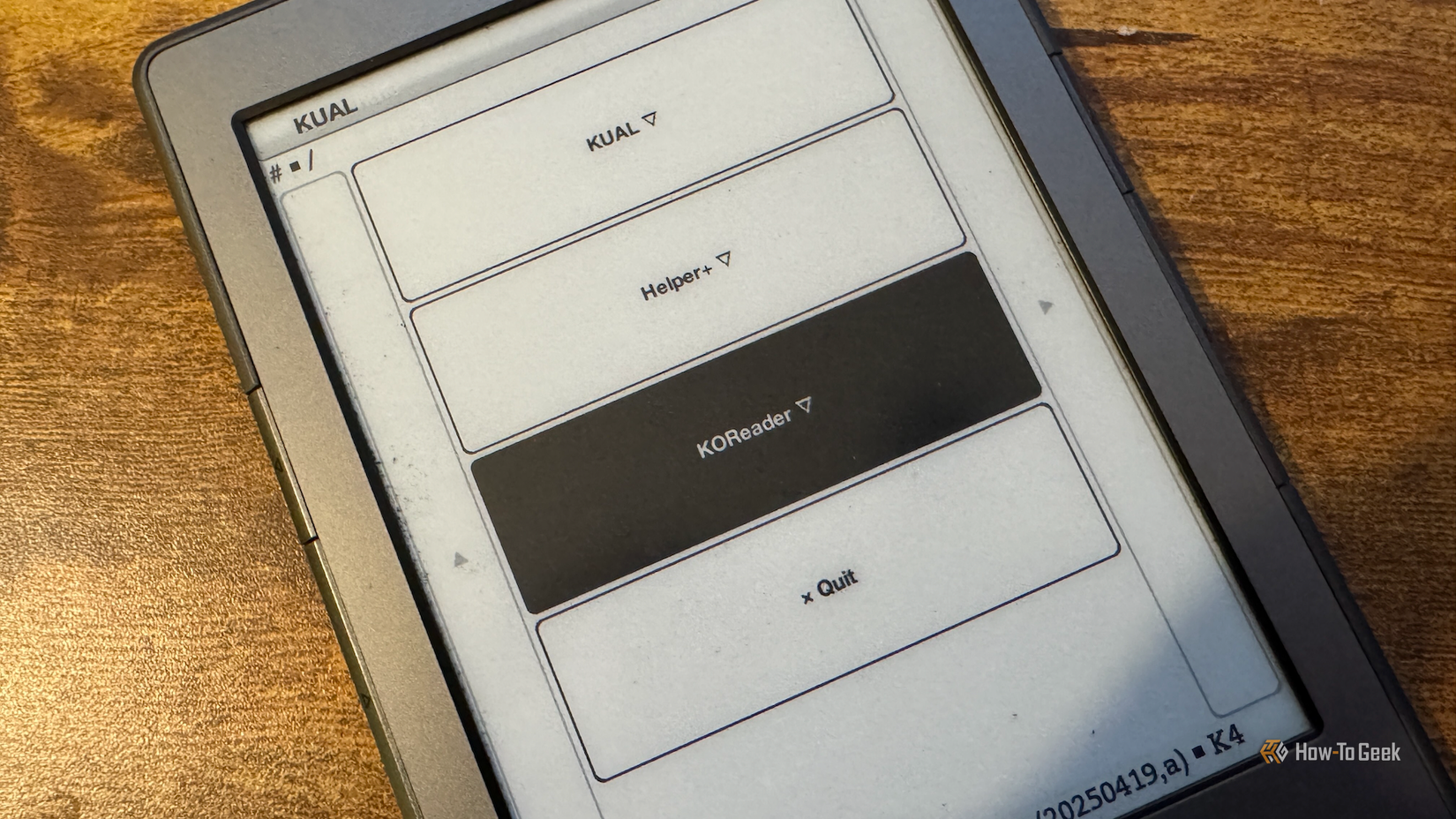





I’ve owned my Kindle 4 for more than a decade, and it’s served me well over the years. When Amazon announced that it was ending support for this model, I finally bit the bullet and jailbroke it. I installed the KOReader app not really knowing what to expect, but it can support way more formats than the default Amazon software.
KOReader turns a Kindle into a proper document reader
There’s far more support than Kindle offers
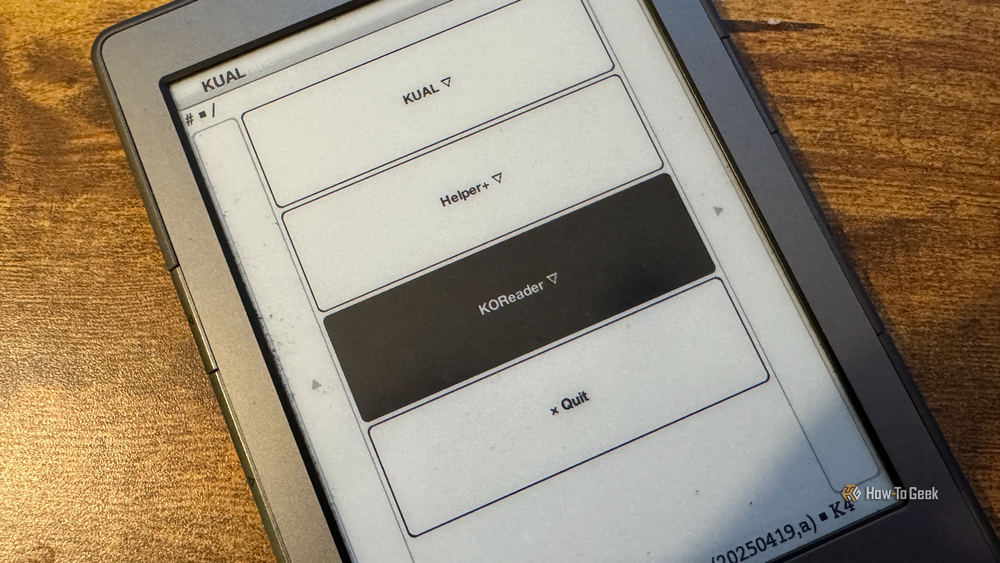
KOReader describes itself as a document viewer for E-Ink devices, and that’s a significant choice of words. A standard Kindle is primarily an eReader focused on books, rather than a document viewer that can handle all kinds of files beyond the usual eBook formats.
KOReader’s description is backed up by the range of file formats that it can support. The 2024 base-model Amazon Kindle offers native support for the following formats:
- AZW3: Amazon’s Kindle Format 8 eBook format
- AZW: Amazon’s older proprietary Kindle eBook format
- TXT: Unformatted plain text files
- PDF: Portable Document Format files
- MOBI: Legacy Amazon eBook format (unprotected files only)
- PRC: Palm OS file format used for some legacy eBooks
In comparison, KOReader supports the following formats:
- CBZ: ZIP-compressed image archives, often used for digital comics
- CBT: TAR-compressed image archives, often used for digital comics
- CHM: A legacy Microsoft help manual format
- DJVU: Highly compressed scanned documents
- DOCX: Microsoft Word text documents
- EPUB: Universal open-standard eBook format
- FB2: XML-based digital book format
- HTML: Standard HTML documents
- MD: Markdown plain-text format
- MOBI: Legacy Mobipocket eBook format
- PDB: Vintage Palm OS eBook
- PDF: Portable Document Format files
- RTF: Text documents with basic styling
- TXT: Raw text without formatting
- XPS: Microsoft’s alternative to PDF
- ZIP: Compressed archives that KOReader can open
KOReader can’t open files in Amazon’s AZW3 format. These files need to be converted to a supported format to read them in KOReader.

- Storage
-
16GB
- Screen Size
-
6-inches
Even in the budget department, the Amazon Kindle is a stellar value, from its light and compact design, to its adjustable front light and 6-inch display.
EPUB works through Send to Kindle, but not on older devices
Amazon’s official option is Send to Kindle

If you’re eagle-eyed, you may have noticed one omission from the list of formats that the native Kindle software supports. EPUB is one of the most popular eBook formats, but Kindles don’t support it natively. If you copy an EPUB file directly to your Kindle, you won’t be able to open it.
You can still read EPUB books on a Kindle without needing to install any additional software or jailbreak your device. If you use Amazon’s Send to Kindle feature, it allows you to select EPUB files to send to your device. Since a Kindle can’t open these files natively, when you use the Send to Kindle feature, EPUB files are converted to a different format so that you can open them on your Kindle.
The problem is that Amazon has ended support for Send to Kindle for several older Kindle models, including my Kindle 4. It means that using the native software, I can’t read EPUB files on my Kindle; I’d have to convert them myself first.
KOReader has native support for EPUB. If you have an EPUB file on your Kindle, you can read it in KOReader without needing to convert it.

The weird formats are no problem for KOReader
KOReader supports some niche but useful formats

You may not recognize some of the formats that KOReader can support. There are several niche document formats that KOReader can display that simply won’t open in the native Kindle software. This makes KOReader far more useful when dealing with older or more obscure document formats.
For example, the DjVu format was created for use with scanned documents that combine text, photos, and background images. The compression used by the format can keep high-resolution scanned documents at manageable file sizes. If you want to read scans of documents in DjVu format, KOReader can open them, but the standard Kindle software can’t open them at all.
Comics is where KOReader really shines
CBZ and CBT work well in KOReader
Perhaps the most useful formats that KOReader supports but stock Kindle software doesn’t are CBZ and CBT. These are comic archive formats, usually made up of bundles of image files. This makes KOReader great for comics, manga, and other visual media.
My Kindle 4 is a black-and-white E-Ink device, so opening CBZ and CBT files won’t magically make the comics appear in full color. Large image-heavy files can also be fairly slow on older Kindles. Using KOReader is still a far better fit than trying to force everything through Amazon’s system.
KOReader leaves stock Kindle software in the shade
The standard Kindle software is understandably focused on Amazon’s own formats and a small selection of common document formats. While Amazon lets you send EPUB files to supported Kindles, the standard Kindle software can’t open EPUB files natively. KOReader opens up a whole world of options, making your eReader into a true document viewer.