





Building a smart home can feel like an expensive process. There are plenty of excellent smart home devices that come with price tags to match. You don’t have to spend a lot to build a great smart home; there are some excellent devices that are relatively cheap.
M5Stack Atom Voice
A local voice assistant for next to nothing

Smart speakers are a simple way to control your smart home using voice commands. You can ask a smart speaker to turn on your lights, turn up the heating, lock your front door, and more. The problem with many smart speakers is that they rely on the cloud and are locked down to specific smart home ecosystems such as Alexa or Google Home.
If you use Home Assistant, you can create your own voice assistant that can run completely locally. The problem is you still need a smart speaker. The M5Stack ATOM Voice is a cheap smart speaker development kit that you can buy for around $13.
The device integrates well with Home Assistant, and there’s even a tutorial for setting one up in the official Home Assistant documentation. It doesn’t have a great speaker, but it’s a good way to start your journey into local voice assistants.
ESP32 boards
Do almost anything
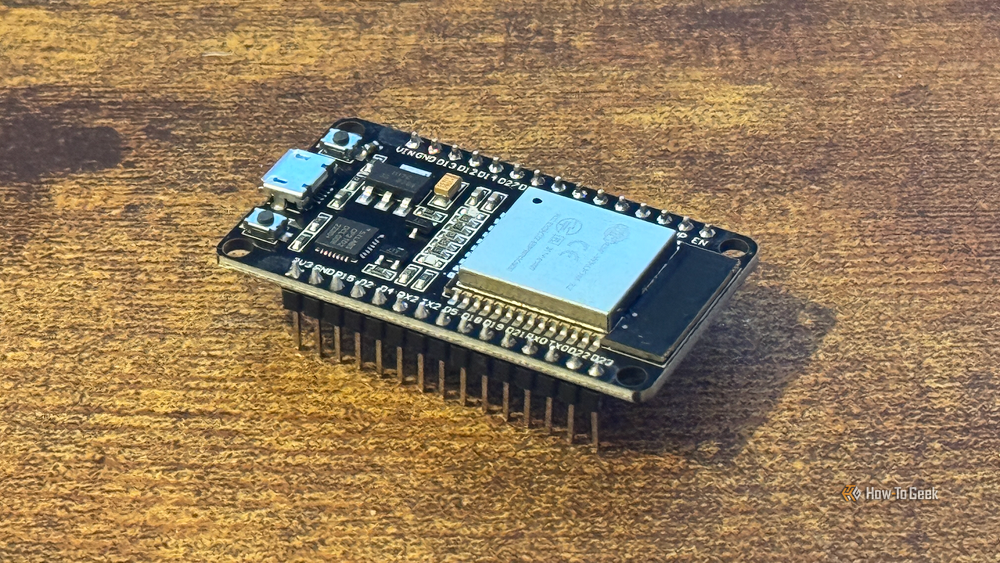
This might be one of the most useful bits of hardware you can buy for your smart home. Using an ESP32 microcontroller and the ESPHome platform, you can create your own fully customizable smart home devices.
You can hook up additional modules to an ESP32 development board to create your own sensors or use an ESP32 to help make existing non-smart devices accessible to your smart home. You don’t even need any additional hardware; an ESP32 flashed with ESPHome can work as a Bluetooth proxy that passes data back and forth to your smart home from Bluetooth devices that are too far from your smart home hub to communicate directly.
Car seat occupancy sensors
Build your own bed presence sensor

We spend around a third of our lives in bed, so if you haven’t made your bed part of your smart home, it’s really only two-thirds of a smart home at best. Being able to tell when the bed is empty or when someone is in it can be really useful for things such as morning and bedtime automations. Knowing how many people are in bed can be even more useful.
You can buy ready-made bed presence sensors, but these can be expensive. If you want a bed presence sensor for less, you can make your own using cheap car seat pressure sensors that cost just a few dollars each. By hooking these up to an ESP32, you can build your own bed occupancy sensor for very little money.
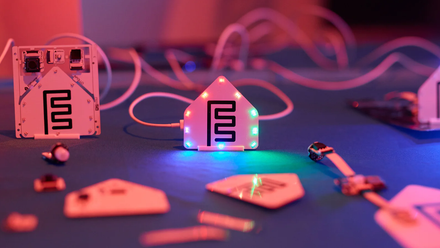
Stop avoiding ESP32 projects— this kit removes the biggest barriers to entry
No soldering iron, no problem.
A cheap mmWave presence sensor
Never get left in the dark

Another very useful sensor for your smart home is a presence sensor. Motion sensors can only detect motion, so they can’t tell if you’re in the room when you’re sitting still. This can mess with automations built around occupancy, so you may face issues such as your lights turning off when you’re still in the room.
Presence sensors can determine if a room is occupied or not, even when you’re sitting still. They’re a much more accurate way to determine if a room is occupied, so that you’re not suddenly plunged into darkness.
You can buy ready-made mmWave presence sensors, but they can be expensive enough to make installing them in multiple rooms less appealing. With an ESP32, ESPHome, and a cheap mmWave module such as the LD2410, you can build your own presence sensors for far less.
- Compatibility
-
ESP Home
- Weight
-
40g
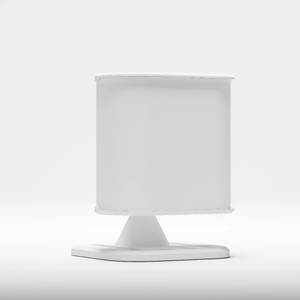
Featuring multi-target tracking, support for zones, light level sensing, Bluetooth proxy and support for multiple different mmWave sensors, the Lite offers next level features for a more pocket-friendly point.
An IR blaster
Add more devices to your smart home

You may have multiple devices in your home that you use regularly but which aren’t part of your smart home. Devices such as TVs, soundbars, air conditioners, and media boxes often lack smart features but come with infrared remotes that you can use to control them. There’s no need to upgrade these devices to smart version.
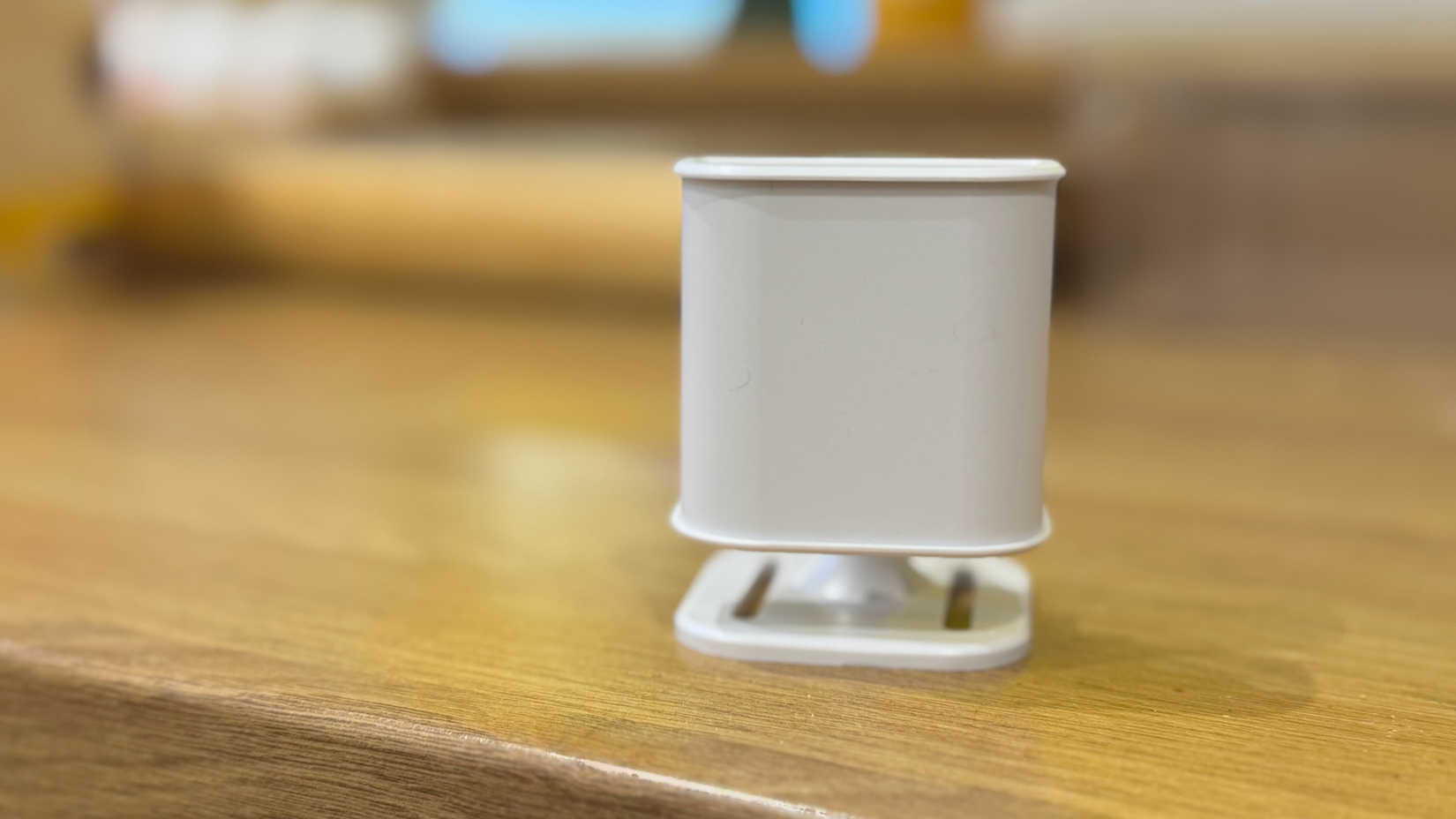
With a cheap IR blaster, these dumb devices can become part of your smart home, too. The IR blaster can send out the same signals as your remote controls, allowing you to control your air conditioner or your TV using Home Assistant as if they were true smart devices. An IR blaster can set you back as little as $10 for an option such as the Seeed Studio XIAO Smart IR Mate, and you can use a single IR blaster to control multiple devices as long as they have line of sight.
You can do more than just monitor doors and windows
Contact sensors are predominantly intended for use on doors and windows. These sensors can tell you whether a window or door is open or shut. When the two parts of a contact sensor are nearby, the magnet in one part closes the magnetic reed switch in the other part. When you open a door or window, the two parts are separated, and the reed switch opens.
This means that you can use them for far more than doors and windows. You can use a contact sensor to tell you when a mailbox is opened, when your trash has been put out, when your fridge has been left open, and much more. Models such as the IKEA Myggbett sensors are cheap enough that you can put them almost anywhere, and they can do the job of more expensive devices.

- Compatibility
-
Matter-enabled
- Colors
-
White
These smart sensors are incredibly cheap and offer all sorts of uses.
A smart home doesn’t have to cost a small fortune
There are plenty of high-quality smart home devices that cost a lot of money but can be worth the expense. You don’t need to spend a lot to build your smart home, however. There are plenty of cheaper devices that can do a great job.

