




I use local LLMs for multiple purposes, including stripping personal information from documents before I upload them to Claude or ChatGPT and generating a daily RSS digest for my Kindle. Despite the slow performance of even the smaller LLMs on my hardware, I use them for a number of things in my smart home.
Generating a morning briefing
Combining information from multiple sources

This is one of my favorite automations, and a local LLM is the cornerstone of how it works. I’ve always liked the idea of Alexa Flash Briefings that give you news, weather, sports updates, and more. They never felt very personal, however.
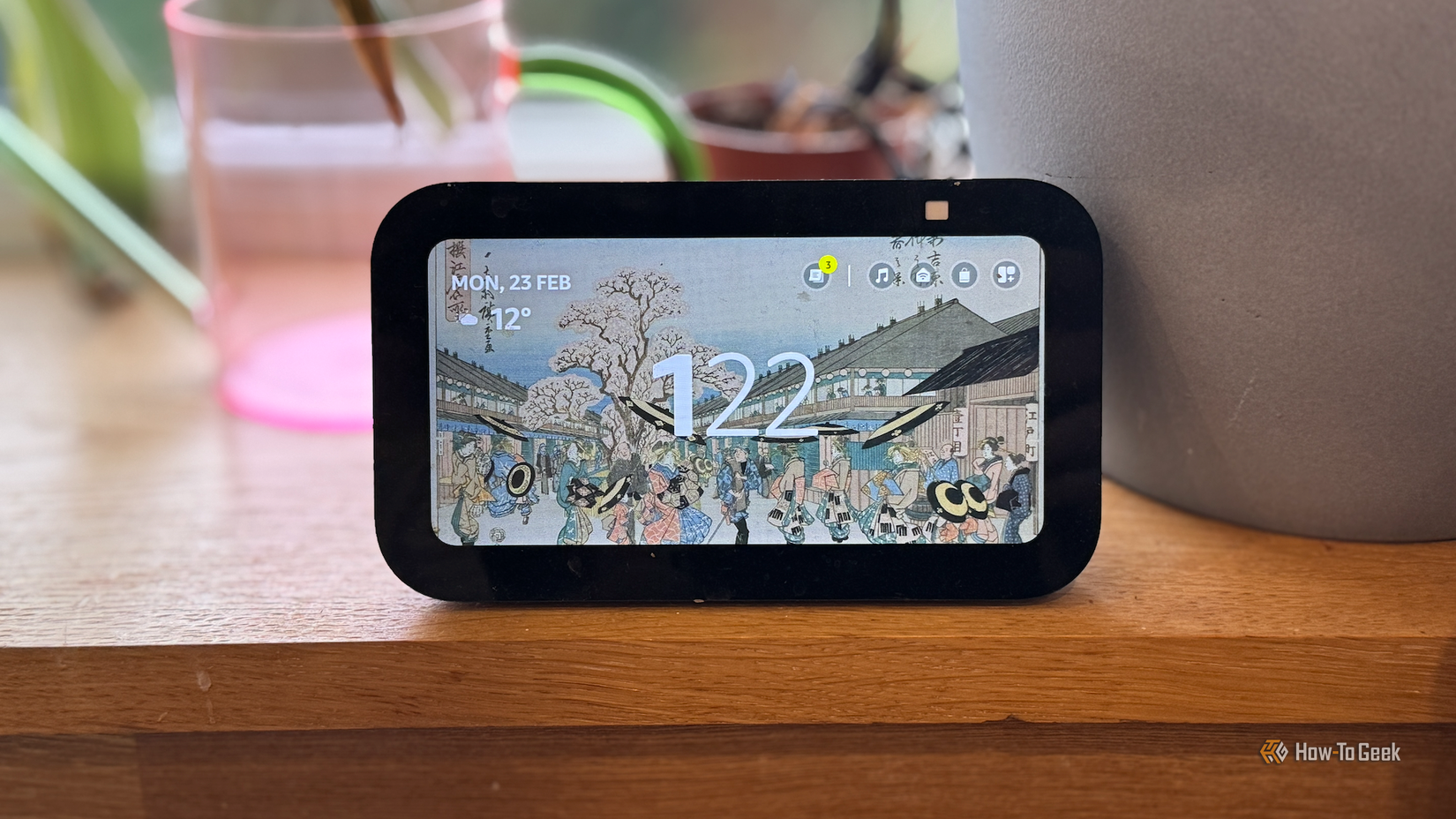
I decided to build my own. It pulls data from Home Assistant, including calendar events, school lunch information, garbage collection dates, weather data, and more. All of this data is combined into a morning briefing that’s read aloud by a smart speaker when we enter the kitchen.
The LLM writes the briefing, combining all of the information into natural language with some personality thrown in. Using a local LLM is preferable since I don’t want to share a ton of personal information with a cloud-based AI platform. While processing is slow, the briefing is generated before we get up, so it’s always ready to play when we enter the kitchen.

- CPU
-
Celeron FCBGA1264 3.6GHz
- Graphics
-
Integrated Intel Graphics 24EUs 1000MHz
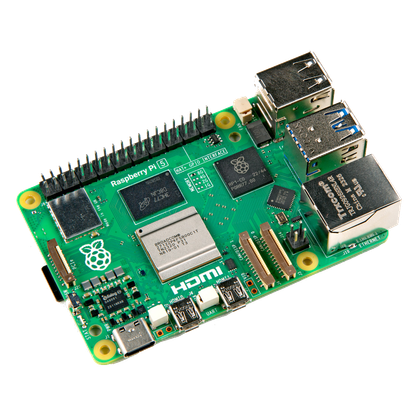
The Beelink Mini S13 Pro desktop PC is a ultra-compact computer powered by the Intel N150 processor. Shipping with 16GB of DDR4 RAM and a 500GB SSD, this micro desktop is perfect for a variety of workloads. From running simple server programs to replacing your old PC, the Beelink S13 Pro is up to the task.
Creating natural spoken announcements
Fresh reminders every day

LLMs are trained to process and generate language, so it’s no surprise that they’re good at producing natural-sounding text. There are plenty of ways that this can be useful in your smart home.
After looking at stats from a motion sensor and discovering that my wife and I enter the kitchen about 50 times a day when the kids are at school, I set up an automation that played a spoken announcement whenever we entered the kitchen, suggesting that we tidy something away. It worked well at first, but the repetitive announcements became easy to ignore.
Using a local LLM, I now have completely new announcements each day, so I never know what they’re going to say. They’re generated with a slightly cheeky twist, so they’re often quite funny, which makes us really listen to them.
Because we’re actively listening to them, they’re far harder to ignore. It really does help to keep on top of the kitchen work.
Having JARVIS remind me what I need to get done
A spoken summary of outstanding to-do list items

One of the very first things I ever did with smart home tech was set up voice control using an Xbox Kinect sensor and software called J.A.R.V.I.S. that translated the voice commands into smart home instructions.
Once I’d built my own smart speaker, it was a no-brainer that I would turn it into my own version of Iron Man’s AI butler. Using a British male voice, my smart speaker will chime in now and again with important information.
One of the most useful things it does is tell me what tasks I have outstanding on my to-do list in Home Assistant. A local LLM turns this list into a written announcement in the style of a British AI butler, and then a local TTS model converts the text into audio in a suitable British accent. The audio then plays through my smart speaker. It’s as close as I’m likely to come to being Iron Man.
A daily report card that shames me into moving more
Using health data to scare me into action
Writing for a living is not a healthy lifestyle. I spend hours sitting at my desk, hunched over my keyboard, and this isn’t good for my health. I’ve tried multiple ways to force myself to get up and move more.
One of the things I’ve done is to get a local LLM to write me a snarky report card. It uses health data pulled from my Apple Watch, such as step count and stand hours. It also looks at how long I’ve been sitting at my desk, as measured by a presence sensor.
Each morning, the local LLM collates all of the information into a report that is read aloud and displayed on a Home Assistant dashboard. It often helps to shame me into moving more.
Collating the morning news
My smart speaker tells me what’s up

Our morning briefing plays when we first enter the kitchen, but it’s not the first announcement of the day. Even before we get out of bed, a smart speaker gives me a rundown of news headlines based on the topics I care about most.
The information is sourced using RSS feeds from specific news sources or topic-focused websites. The main stories are then passed to the local LLM that combines them into a short custom news briefing. It’s triggered when I take my phone off the charger each morning and plays through a smart speaker. It’s a great way to start the day.
A local LLM doesn’t have to be fast
In all of the uses on this list, the local LLM takes some time to produce its results. By having the LLM get to work when I’m asleep, it doesn’t matter how long it takes. The results are always ready and waiting right when I need them.