






Mesh Wi-Fi networks can make using Wi-Fi in your home better, especially if you have a lot of devices that are a long way from the router. Your Wi-Fi devices can connect to the nearest mesh node instead of having to communicate directly with the router. If you have the right mesh network, you can even use your Echo smart speakers to extend your Wi-Fi.




The magic of Eero built-in
A Wi-Fi extender hiding in your smart speaker

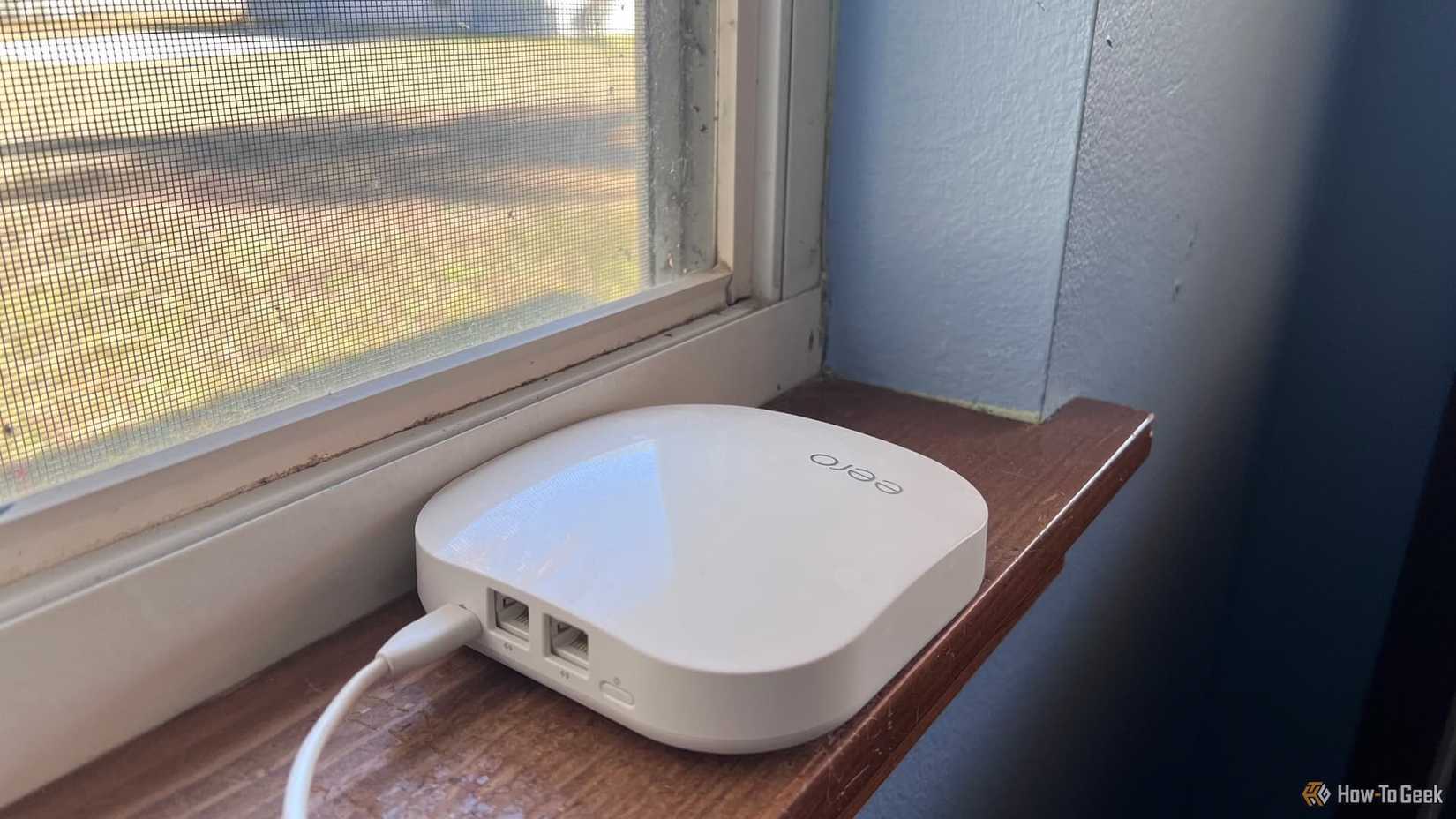
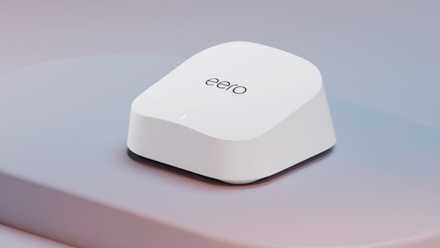
Eero is a popular brand of Wi-Fi mesh devices. They’re simple to set up and use, and you can add additional nodes to the system as you go so you don’t need to purchase everything upfront.
Eero is entirely owned by Amazon, which is good news if you own some other Amazon products, such as specific Echo smart speakers. Thanks to a feature called Eero built-in, your Echo smart speaker may be able to act as a wireless extender as part of your Eero mesh. If you have multiple compatible smart speakers, you can use them all as Wi-Fi extenders, although Eero recommends using no more than four.
This won’t work with other Wi-Fi mesh systems, and it won’t work on its own. You need an existing Eero mesh in your home in order to use your Echo as a Wi-Fi extender. However, if you already own an Eero system, or are planning to buy one, your Echo smart speakers can extend your mesh network even further with no additional costs or subscriptions.

- Brand
-
eero
- Wi-Fi Bands
-
Dual-band Wi-Fi 7
Amazon’s Eero 7 router offers high-speed Wi-Fi 7 connectivity with up to 1.8 Gb wireless throughput and a 2,000 square foot range. It also features two 2.5 GbE ports, though it notably lacks 6GHz connectivity, which is unusual for a Wi-Fi 7 router.
The Echo devices that can extend your Wi-Fi
Not every model is compatible
Justin Duino / How-To Geek
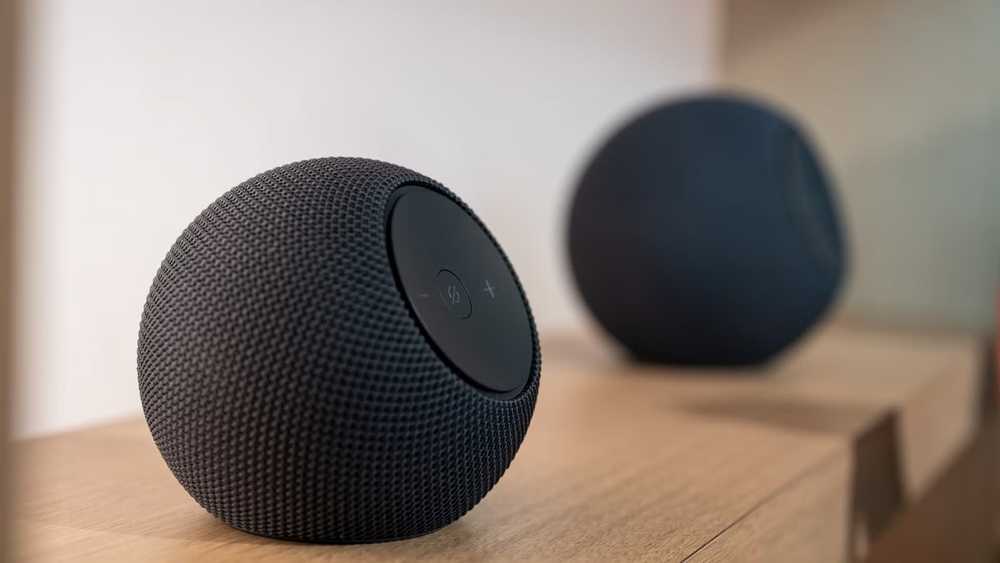
Before you get too excited and start dusting off your first-generation Echo Dot, you should be aware that Eero built-in only works with a limited number of Echo devices. If you have older Echo devices, or Echo Show smart displays, then you won’t be able to take advantage of Eero built-in.
The supported Echo devices include:
- Echo Studio
- Echo Flex
- Echo Spot
- Echo Pop
- Echo Dot Max
- Echo Dot 4th generation
- Echo Dot 5th generation
- Echo Dot with Clock 4th generation
- Echo Dot with Clock 5th generation
- Echo 4th generation
You can use Eero built-in with almost all Eero mesh systems. The full list of supported systems is as follows:
- Eero 7
- Eero Pro 7
- Eero Outdoor 7
- Eero Max 7
- Eero PoE 7
- Eero Pro 6E
- Eero 6+
- Eero Pro 6
- Eero 6
- Eero Pro
- Eero
Eero built-in is not available in all locales. The service is currently only available in the United States, Canada, Chile, Australia, New Zealand, Japan, and the United Kingdom.
- Display
-
No
- Dimensions
-
3.9” x 3.9” x 3.5”
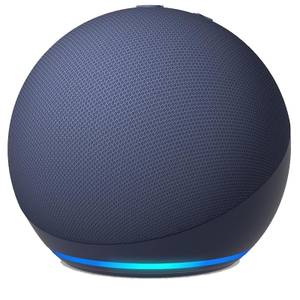
The Echo Dot offers a smaller form factor with the same spherical look. One of the coolest new developments in the Echo world is that the new 5th generation Dots include eero mesh network extenders. Pair one with a smart home powered by an eero mesh network and you get an instant coverage boost.
How to set up Eero built-in
You’ll need to link to your Amazon account
Using your compatible Echo smart speaker as a Wi-Fi extender for your Eero mesh is fairly simple to do. You just need to ensure that your Eero account and the Amazon account that you used to set up your Echo are linked.
Open the Eero app and go to Settings. Select Advanced networking, and choose Amazon Connected Home. Sign in to the same Amazon account that you used to set up your Echo smart speaker.
Alternatively, you can use the Amazon login, which will use your Amazon account login details as the login for your Eero account, automatically connecting them. You should be aware that the switch is permanent, and you will no longer be able to log in with your Eero credentials. Go to Settings > Account Settings and select Switch to Amazon login. Follow the instructions to use your Amazon login credentials for your Eero account.
Once you’re connected, go to Settings > Advanced networking > Connected Home, and you should see that Eero Built-in is enabled. You can toggle it off if you want and see the Echo devices that are currently working as Wi-Fi extenders.
Don’t expect super-fast speeds
Your Echo can’t match a true Eero node
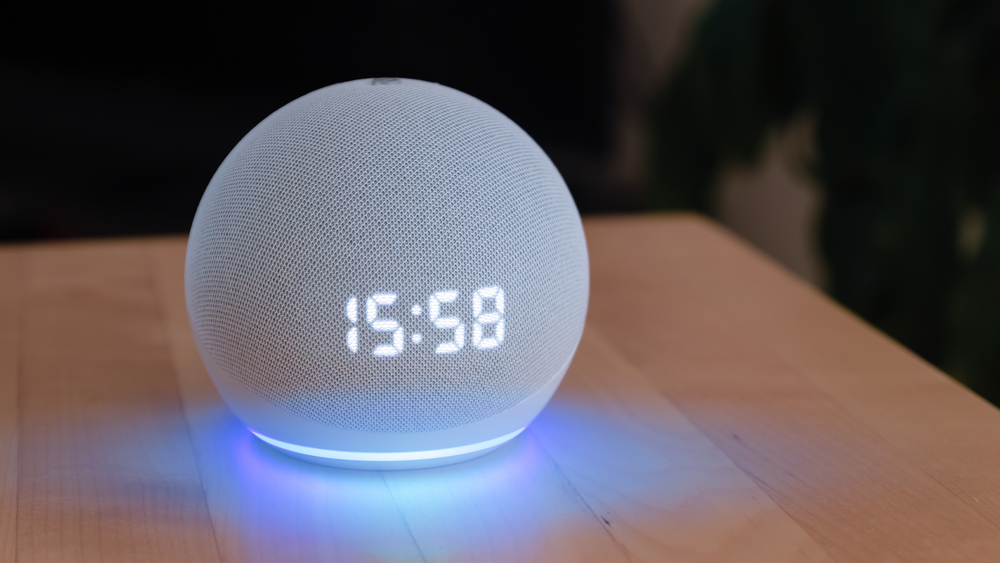
While being able to use devices you already own to extend the range of your Wi-Fi network for free is great, Echo devices can’t match the performance of true Eero nodes. There are some limitations that you should be aware of.
When acting as an Eero built-in extender, your Echo device can support internet speeds of up to 100 Mbps. This is significantly slower than a dedicated Eero node, so if you have a fast broadband connection, an Echo won’t deliver the same performance as adding another mesh node. If you’re expecting blazing fast download speeds through your Echo Dot, you’re likely to be disappointed.
Eero also says that Eero built-in can support up to 10 connected devices, and only compatible 5 GHz devices can connect through your Echo. If you have older devices that only support 2.4 GHz Wi-Fi, they won’t be able to use your Echo smart speaker as an extender.
Eero built-in is great if you already use Eero
If you already have an Eero mesh network in your home, then being able to use your smart speakers as Wi-Fi extenders is a real win. While they do have limitations, having more Wi-Fi extenders in your home can help to make the Wi-Fi signal stronger in more parts of your home.