


Local models get put through their paces on plenty of fronts. Reasoning, general chat, mobile-friendly setups, whatever fits a small card; all of that gets tested to death (including by me). Vision is one of the areas that doesn’t come up as much in these head-to-heads, which is odd because for a lot of daily local LLM use it’s the capability that matters the most. I use vision constantly for screenshots I need help with or just random photos of things I can’t identify.
So this time I wanted to put three of the more popular vision models to work on the same set of tasks. A screenshot with a debugging problem, a busy interface with a counting task, and a low-quality phone photo of something that needs identifying. Same images across all three models, same prompts, same parameter settings, so what came back is down to the model rather than the setup.
Want to stay in the loop with the latest in AI? The XDA AI Insider newsletter drops weekly with deep dives, tool recommendations, and hands-on coverage you won’t find anywhere else on the site. Subscribe by modifying your newsletter preferences!
Gemma 4 E4B and its small brain
It reads text well but gets shaky when the screen gets busy
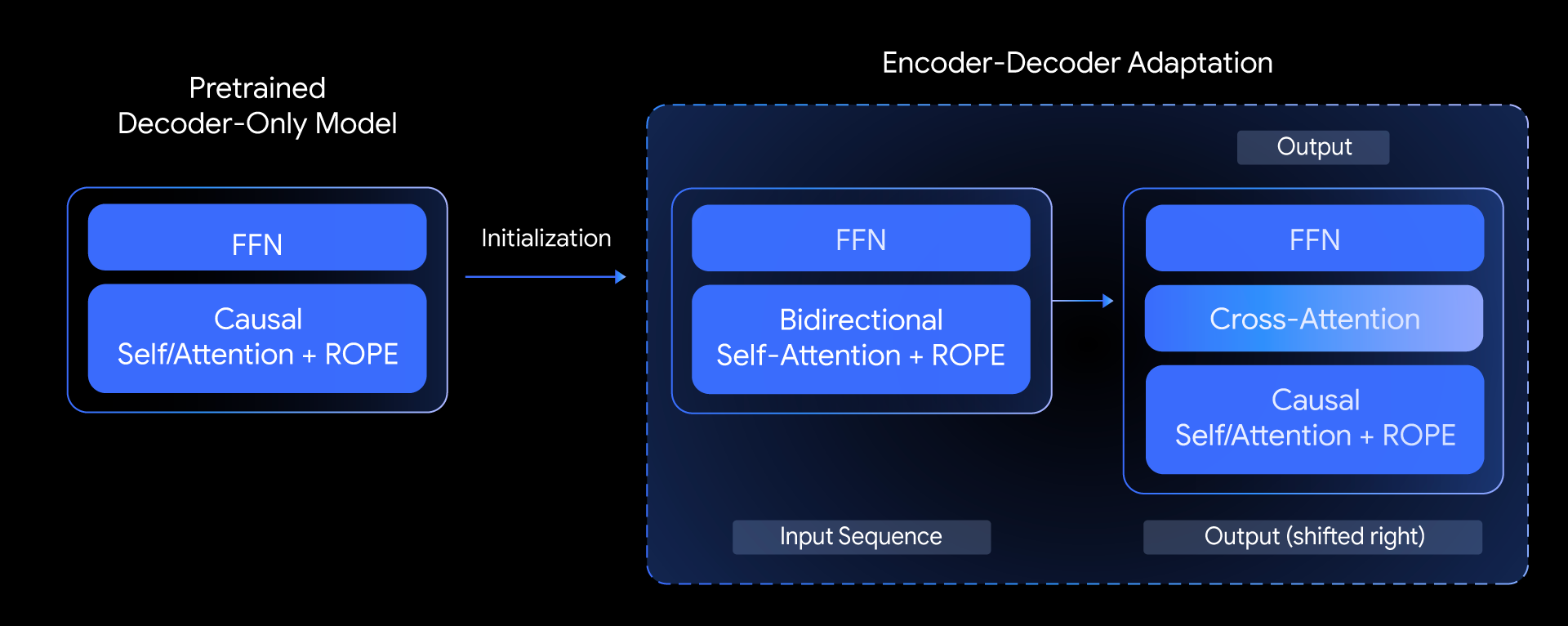
Gemma 4 E4B is one of my favorite little models, and I’ve been running it in one form or another for a hot minute now. It’s Google’s edge-tier multimodal, around 4B effective parameters, built to run on phones and low-end hardware. It handles image, text, video, and audio inputs, and it uses the MobileNet-V5 vision encoder from the Gemma 3n line, which is a lightweight setup meant for on-device work. Google’s pitch is that this model is capable of screen and UI understanding, OCR including handwriting, chart comprehension, and document parsing. This is quite ambitious for something this small.
For the debugging test, I opened a fresh PowerShell window and ran a Docker command twice so I could trigger a real port conflict error, then screenshotted the terminal output and asked the model what the error was and how to fix it. Gemma read the text correctly and identified it as a port 80 binding issue where something else on the machine was already using the port. It suggested changing the host port mapping in the Docker command, which is the right fix. So we’re off to a good start.
For the second test, I opened the models tab in LM Studio, screenshotted the full list showing the eight models I have installed and asked how many Gemma models I have. Gemma read most of the rows correctly, just abbreviated. Mistral-community pixtral came out as mistral-community-p12b, for example. It landed on three Gemma models, which match what’s actually in the screenshot. The naming was a bit lossy, not exactly wrong, more like reading the arch column and simplifying.
For the third test I took a blurry and underexposed image of some medicine and asked it if it could identify the medicine. Gemma did get it right; it read the label, named the product correctly, picked up the classification as a cough syrup, and detailed what it’s used for. It went a bit heavy on the medical disclaimers before actually answering but the information itself was there.
I ran Gemma 4 and Qwen 3.5 for the same local tasks, and one pulled miles ahead
Pitting them against each other to find the best one for my workflow
Qwen 3.5 9B and the eyes to match
It reads tables, fine print, and the room
Qwen3.5 9B was the first bigger model I got running smoothly on my card and I’ve mostly been using it for research and heavier analytical work. I don’t really see myself moving off it any time soon. Its vision capabilities carry a lot of the reputation the Qwen family has built for document and chart understanding, and the newer architecture adds better spatial grounding and stronger OCR, which basically means it’s supposed to catch fine detail that smaller vision models tend to miss.
On the Docker screenshot, it read the exact error string, diagnosed the port conflict, and then went further and gave me four ranked fixes, starting with the quickest one. It also caught that IIS on Windows commonly claims port 80, which nothing else picked up.
The model count question was where it really pulled ahead. Correct count, correct names, correct file sizes for all three Gemma models, and it categorized the rest of my library into Llama and Qwen buckets without being asked. It even suggested I verify by typing “gemma” into the search bar. That goes beyond reading pixels and actually understands what the interface actually does.
The medicine image was more of the same. It read the fine print, correctly identified Theophylline and Diphenhydramine as the active ingredients, and picked up the alcohol warning that the smaller model missed. It also matched the spelling of the non-English language on the bottle instead of anglicizing it.
I almost upgraded my GPU to run larger local LLMs, but this 8B model proved I didn’t have to
The upgrade I almost made wouldn’t have solved much
Ministral 3 3B knows what it’s looking at, mostly
Confident on some tests, confidently wrong on others
Ministral 3 3B is Mistral’s newer edge-tier release from December 2025, part of the Ministral 3 family that ranges from 3B up to 14B. All three sizes come with vision, and Mistral distilled them from the bigger Mistral Medium 3.1, which is meant to give the smaller sizes more of the bigger model’s understanding. Mistral is pitching the 3B as their edge play, comfortably runs under 8GB when quantized, 256K context window, image understanding, agentic function calling. Meant to be a compact all-rounder for local and on-device use, basically. Getting it running was easy on my card; I didn’t even need any GPU offload.
The Docker error test went well. It read the error text off the screenshot correctly, identified port 80 as the conflict, and gave me four ranked fixes starting with finding the process using the port via netstat. Genuinely detailed and closer to what Qwen actually produced.
The model count test was the worst result of the three models on this specific test. It called them “Gemini-related models” then invented three fake entries, including a “gemma” model at 76 billion parameters, which doesn’t exist. It didn’t read the visible table at all. The medicine image got a mixed answer. It named the medicine correctly, got the general classification right, correctly identified the active ingredients, but then it invented another ingredient. So it got confident with naming fabricated specifics on the fine print.
6 settings I always change before running a local LLM
You might not need a different model, but better settings
Turns out vision is where local models still trip
Vision on local models is in a strange place right now. All three of these can technically process an image but only one actually looked at what I put in front of it: Qwen 3.5 9B. The other two hallucinated when the image got busy or the text got small, which is worth knowing before relying on any of them with anything that matters to your workflow.