





I’ve used the same Kindle for over a decade, and since it worked fine for my needs, I never got around to jailbreaking it. When Amazon ended software support for my Kindle model, I finally took the leap. Now that it’s jailbroken, I’m able to use my Kindle for so much more than just reading books.




A Home Assistant dashboard
Minimal by design

I love Home Assistant. I’ve been using the self-hosted smart home software for years to help me control and automate my smart home. While a lot of what I’ve set up in Home Assistant is useful, I mostly do it because it’s fun.
When I finally got around to jailbreaking my Kindle, one of the things I wanted to try was using it as a dedicated Home Assistant dashboard display. I’m not a huge fan of wall-mounted dashboards; they’re only useful if you’re standing right in front of them, which doesn’t feel that smart to me. They’re also often packed with so much information that it’s like playing Where’s Waldo just to try to find the information you need.
A simple dashboard displayed on a Kindle was much better for my needs. I can have it display key information that’s easy to take in with a glance, and since it’s on a Kindle, I can easily place the dashboard wherever I want it without worrying about it needing frequent charging.

- Storage
-
16GB
- Screen Size
-
6-inches
Even in the budget department, the Amazon Kindle is a stellar value, from its light and compact design, to its adjustable front light and 6-inch display.
A wireless E-Ink monitor
It works better than I expected
After the Home Assistant dashboard proved so effective on the Kindle, I wondered what else I could do with it. It worked as a display that updated a static image every hour or so, but could it work with a moving image? I decided to see if I could get it to work as a portable monitor for my Mac.
To be honest, I didn’t think it would work well enough to be anything but unbearable to use, but I was able to get the display updating at about one frame per second. While this obviously isn’t going to cut it for watching YouTube or playing Balatro, it turns out to be fine for many of the other things I do on my Mac, such as writing articles.
It turned out that the portable monitor was more useful than I expected. When the weather is nice, I love the idea of being able to work outdoors, but the glare on my MacBook screen always makes it too annoying. The E-Ink display of my Kindle is far easier to read in direct sunlight, meaning that I can do basic writing and editing outdoors and enjoy the sunshine.
A security camera feed
See who is at the door without getting up

Much of my smart home automation is designed to help me be as lazy as possible. Lights that turn on when I walk into the room and turn off again when I leave save me from the almost Herculean task of having to use a light switch.
One thing that has always annoyed me is when the doorbell rings when I’m reading my Kindle. I have to get up, go downstairs, and open the door, only to find that it was an Amazon delivery, and the driver is long gone, so I needn’t have bothered getting up. I try to keep my phone as far away as possible when I’m reading to reduce distractions, so I can’t easily check the live feed from my video doorbell on my phone.
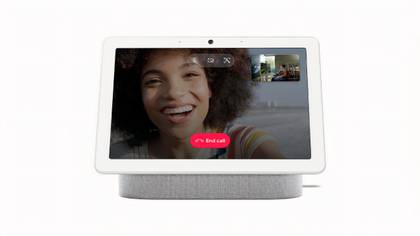
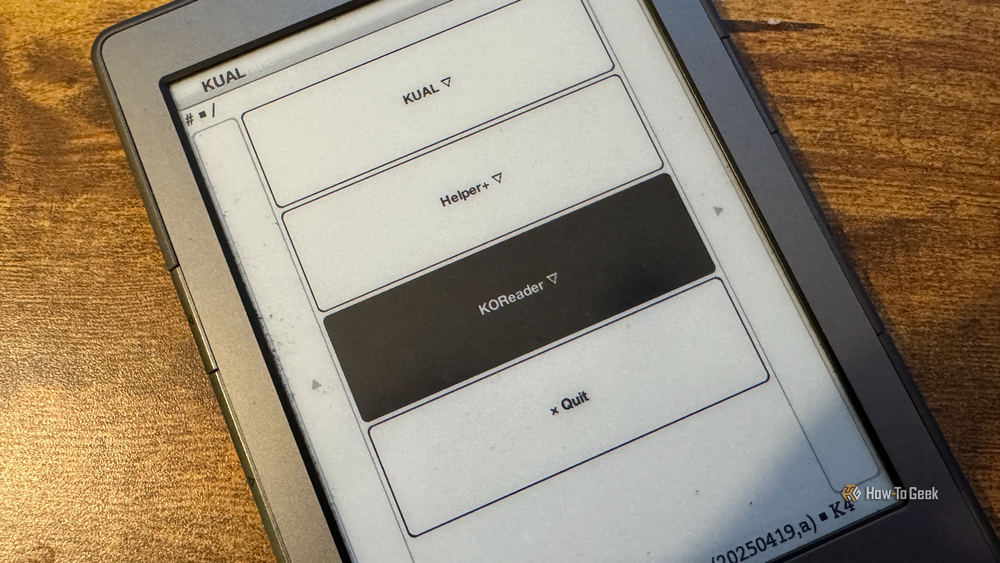
I can check it on my Kindle, however. I set up a button in the Kindle Unified Application Launcher (KUAL) software I installed on my jailbroken Kindle. Selecting the button starts a live feed from my video doorbell that displays on the Kindle, so I can see if it’s an important caller or one that I can ignore.
The feed is slow, but it’s good enough to tell who is at the door, which is all I need it to do. The live feed is better than displaying a snapshot from the doorbell, because it means I can see if the caller is hanging around or has dropped a parcel and run.
A custom photo screensaver
An E-Ink photo frame that runs when power is off
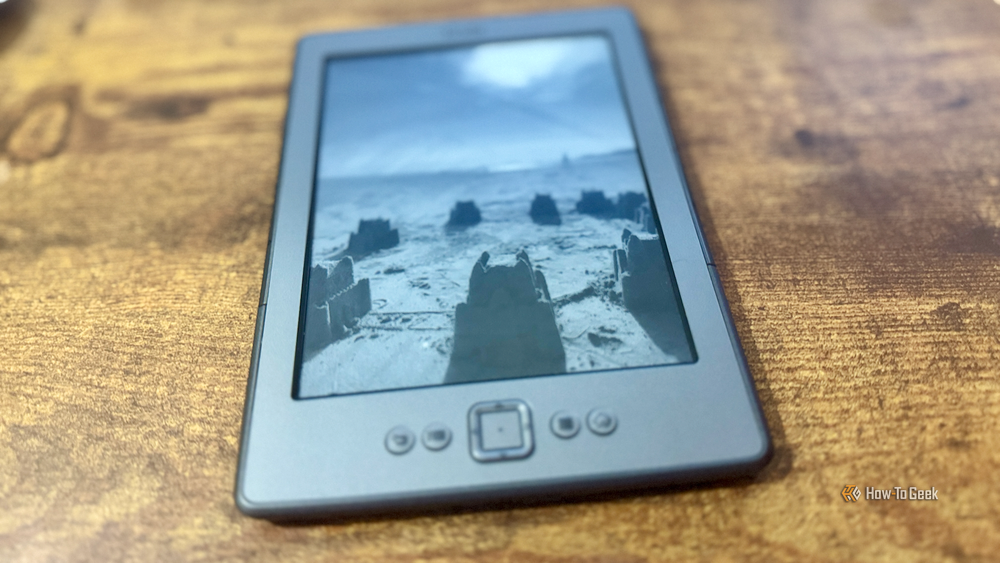
Like most of its products, Amazon locks down Kindles fairly tightly, so you’re severely limited in what you can customize. If you want to display your own photos as the screensaver on your Kindle, for example, you still have to resort to workarounds such as creating fake books with your photos as the covers.
Once jailbroken, those limitations largely disappear. I have a selection of family photos that appear as my screensaver in a random rotation. Since these are the images displayed when the Kindle is in standby mode, my Kindle is now effectively an E-Ink photo frame when it’s not in use.
Reading PDFs
Make PDFs easy to read rather than horrific
Kindles are designed for reading eBooks that have been formatted to fit nicely onto the screen. If you want to read things other than eBooks on your Kindle, the experience can be pretty bad. Perhaps the worst example is PDF files.
You can upload PDFs to a Kindle and open them just fine. The problem is that most PDFs are not intended for reading on a screen the size of a Kindle’s, so you often end up having to zoom into sections of the document and then move it around to read the parts that are currently off the screen. If the PDF has columns or tables, things can get even worse.
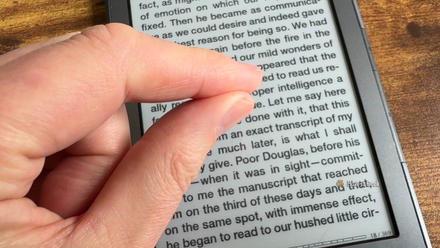
Using KOReader on my jailbroken Kindle, reading PDFs is so much easier. It has a ton of useful features to make reading PDFs better. You can split multiple columns and read them one column at a time, crop margins to fit PDFs to your screen, and even use the PDF Reflow feature to extract the text from the PDF and reformat it to fit perfectly on your Kindle screen.
A Kindle can do so much more than books
I was always wary of trying to jailbreak my Kindle as I didn’t want to risk bricking a device that I was using regularly. I’m so glad I finally did it, as now my Kindle can do so much more.