





I committed myself to stashing most of my media digitally after I moved into my first apartment with my brother. At the time, we still had a sizable book and magazine collection, and we initially wanted to take it all with us. As we discovered, though, dozens of books are incredibly bulky and heavy, and we ended up tossing most of the magazines outright. You can say I was already a confirmed e-reader and iPad fan that day.
As for movies and shows, most of what I watch is on streaming. Otherwise, everything I keep locally is on hard drives, since building a Blu-ray and DVD collection would not only be costly, but consume precious room space. I do worry about its safety. As you’ll learn, hard drives are riskier than you might think, so it’s worth taking precautions and making a migration plan.
The big risks to a hard drive movie library
Eggs in a basket

Traditionally, one of the big incentives to build a digital library has been the volatility of discs. They get lost, they crack and scratch, and in the long run, all of them fall prey to disc rot. While you can still lose an external hard drive at a coffee shop, an SSD in a metal enclosure is going to be tough to kill. Moreover, as long as you can plug it into another device with enough storage, you can make copies.
Here’s the thing — under ideal conditions, it’s actually discs that last longer. Whereas a Blu-ray may survive for 20 years or more, an SSD can fail in 5 to 10 years, albeit under heavy use. The explanation is that despite never coming into contact with moving parts, all SSDs have a finite number of write cycles for their memory cells. The more you write and rewrite data, the closer you get to making your drive unusable.
A movie drive is better poised to survive 10-plus years than something like a scratch disk for DaVinci Resolve. After you’ve filled one, you’re only likely to read its data most of the time, perhaps replacing DVD rips with higher-quality Blu-ray files when the opportunity arises. Nevertheless, it’s wise to make a backup of your library somewhere by the time that five-year mark rolls around.
Enterprise-grade platter drives (HDDs) can potentially last much longer if you’re not using them continuously. They’re not without their own risks though, the obvious one being that they have fragile mechanical parts. Motors can break, and if an impact or vibration is strong enough, the platter can be rendered unreadable.
All hard drives can fall victim to sudden corruption. That is rare, mercifully — but if a drive is disconnected or loses power in the middle of a write operation, that might be all it takes. Corruption can also be caused by things like defects and malware.
One issue you might not have thought about is having your library mangled by software. While media server platforms like Plex tend to leave your files and folders intact, some apps will move, retag, or rename videos without asking. You should definitely avoid setting a cloud sync folder as your media server source, or vice versa.
What should you do to keep a digital library safe?
Easy (but not necessarily cheap) steps

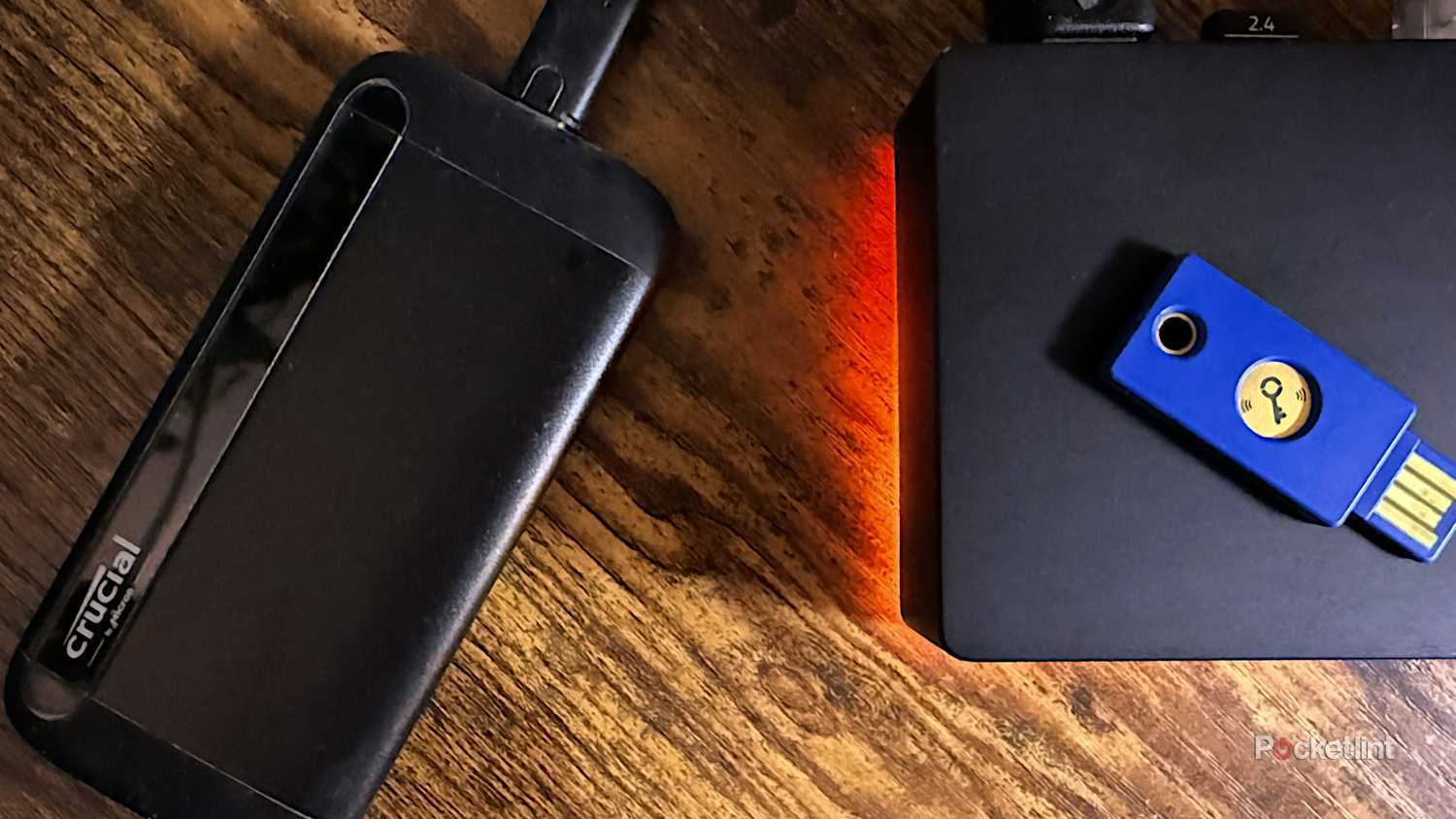
First, make sure your movie drive is an external, dedicated one. If you’ve got an ample amount of internal drive space, it can be tempting to save your videos there. You don’t want to weigh deleting movies to make room for new apps, however, and if your computer fails, it’s going to be hard to salvage your collection. As a perk, a portable SSD makes transferring your library to another device a breeze, simply a matter of plugging it in via USB.
Beyond that, it’s all about backups. Diehards may go as far as building a redundant RAID setup, configured as network-attached storage (NAS) — but if that’s in your wheelhouse at all, you probably don’t need my advice, and it’s overkill for the average person.
The simplest approach is to buy a duplicate (or bigger) drive, copy everything there, and store it in a safe place. If the original drive fails, your computer (or other host device) might not notice the difference. That’s assuming that you use the same USB port and that files remain identical.
If money is tight, you don’t necessarily need to buy a backup drive right away. Naturally, though, the longer you put this off, the more you’re putting files in jeopardy. If you’ve been holding onto an SSD for 5 to 10 years, you should practically be scrambling out the door to buy a new one.
Cloud backups are an option, but usually a bad one. The main issue is cost — anything beyond 100 or 200GB is liable to be unnecessarily expensive to maintain. Sure, a 2TB iCloud+ plan is $10 per month, but that translates to $120 per year. Two or three years later, you’re already down the cost of a good SSD, and you’ll have to pay ad infinitum if you want to keep uploading. On the other hand, cloud storage does offer peace of mind — you could lose your PC in a flood and still have all your favorite movies ready to go on a new machine.


