



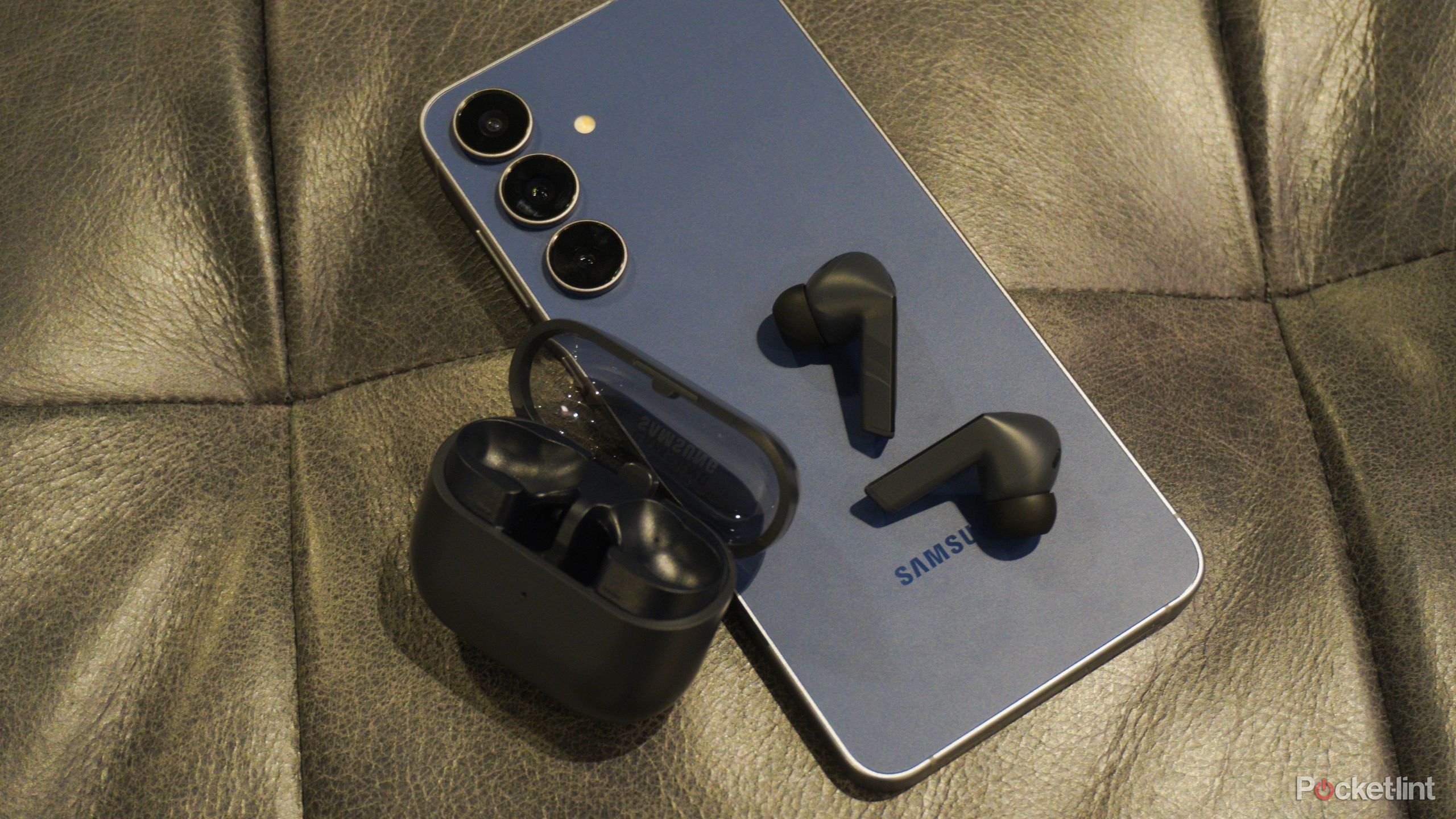


If your Samsung phone has been quietly carrying your texts for years, you’ve only got about a week left before Samsung Messages is discontinued for good. Samsung users will need to switch over to Google Messages, whether they feel emotionally ready or not.



Why Samsung killing Messages is a bigger deal than you think
Google’s Android messaging monopoly continues to grow
Why is Samsung Messages retiring?
By April 2026, Samsung made it official — Samsung Messages is out, starting as early as the first week of July for some users. Samsung claims this is all about making Android messaging more consistent, with better security, AI features, RCS, Gemini features, and smoother support for smartwatches and tablets. If you haven’t switched to Google Messages yet, here’s how.
How to save your Samsung Messages
If you’ve seen those constant reminders to switch to Google Messages on your phone, you’re already halfway there. If you haven’t gotten the official alert yet, don’t stress. You can move your chats to Google Messages in a few steps.
- Navigate to Settings > Accounts and backup > Samsung Cloud > Restore data
- Select your backup, and choose Messages > Restore.
- Open or download Google Messages and set it as your default SMS app when prompted.
- For Android 12 or 13, manually update your home screen dock by removing Samsung Messages and adding Google Messages.
- Verify that all texts have transferred to Google Messages before deleting the Samsung app.
- If messages are missing, restart your phone and update Google Messages and Carrier Services from the Play Store.

All messages/conversations will automatically be transferred between Samsung Messages and Google Messages, but the time required to complete the transfer depends on the amount of data. It could take up to approximately 24 hours to complete the full message data transfer.
Why would someone prefer Samsung Messages over Google?
One thing I really appreciated about Samsung Messages was how it handled tags. That feature lets you mark a phone number with a name without adding it to your contacts.
Another handy difference: if your phone was off and someone texted you, Samsung Messages would show the actual time the message was sent when you turned your phone back on. Google Messages, on the other hand, displays the time as when you powered up, unless you long-press and check the details. Since I got a Samsung phone in 2013, I’ve witnessed it scrap almost everything that originally attracted me to the brand. The discontinuation of Samsung Messages is a tough one for someone who has used it for 13 years now. I loved how its UI matched with the rest of the Samsung ecosystem. It even handled RCS perfectly by integrating directly with Google’s servers. If Samsung had simply updated the app to include modern RCS features, as Apple is now doing, there would be no reason to switch to Google Messages.
Owners of the Galaxy S26 and newer devices cannot download the Samsung Messages app from the Galaxy Store. All other devices will no longer be able to download the Samsung Messages app from the Galaxy Store after Samsung Messages is discontinued in July 2026. I’ll hang onto old software as long as I can, but when it’s time to upgrade, I doubt I’ll buy another Samsung.


