
Related Products


Handheld Game for Kids -Preloaded...



Product description

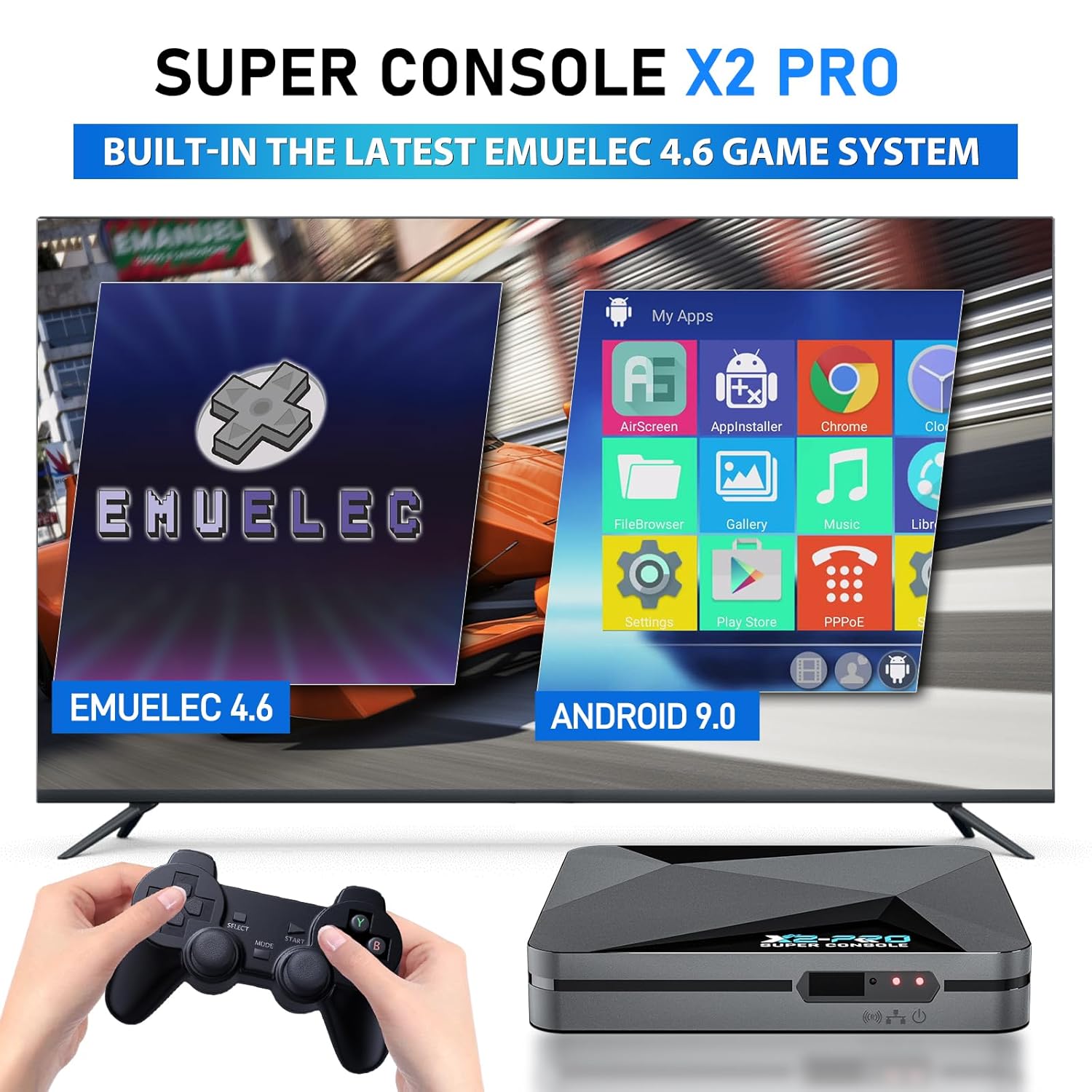
How to Switch the Dual System in Super Console X2 PRO?
Gaming to Android System: Press the Gamepad “Start” Button–Choose the “Quit”—“Reboot From NAND” —“YES”.
Android System to Gaming: Using the Remote to find the “My APPS”—“LibreELEC”—“OK”.
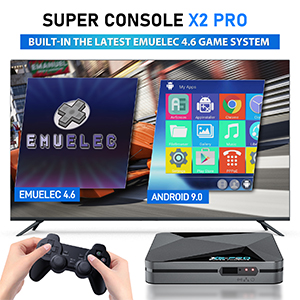
Super Console X2 Pro retro console comes with a remote that you can use to switch between systems and also use it to select games. It is more convenient to operate.

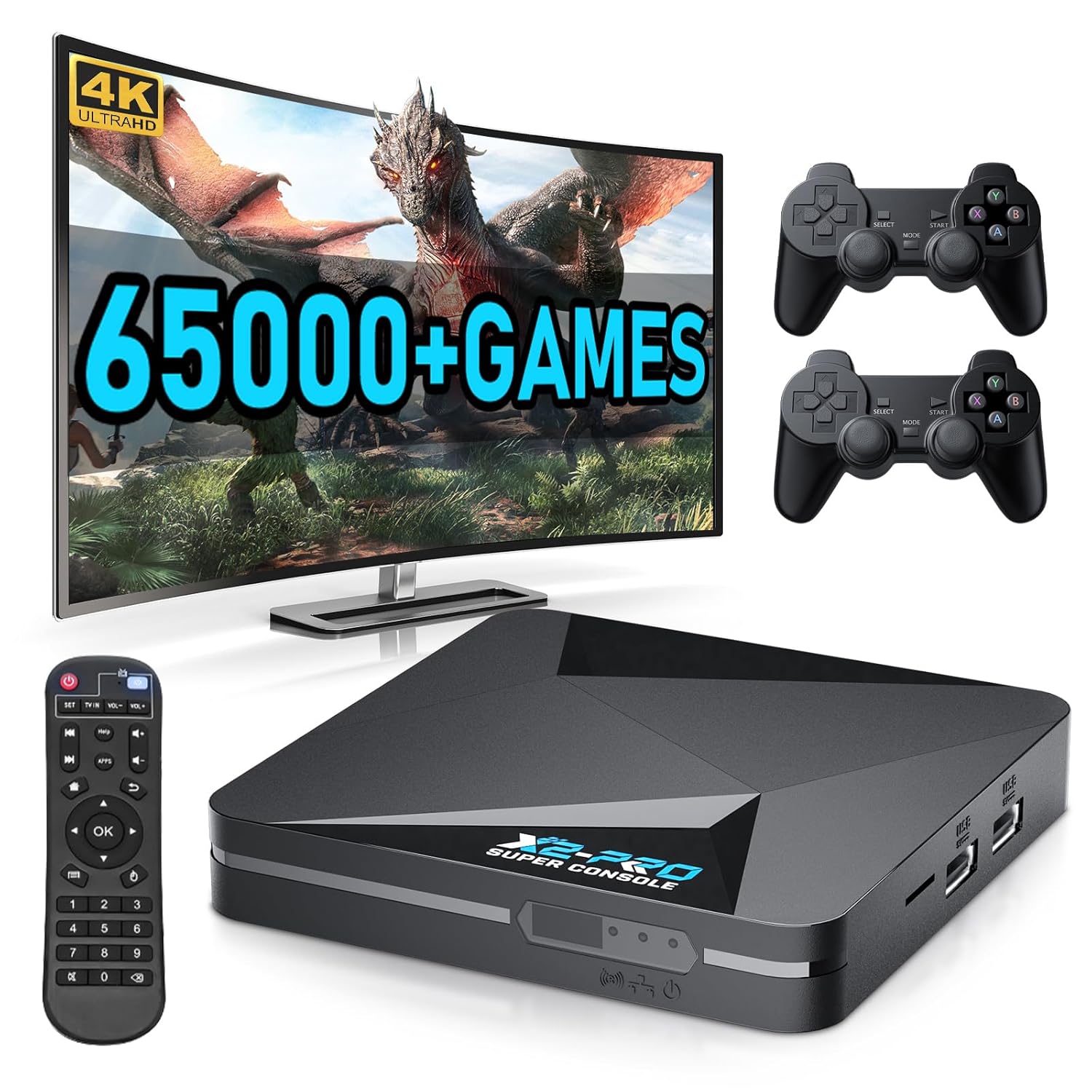
Super Console x2 Pro supports up to 4K@60fps, you can watch clearer and smoother videos, bringing you visual enjoyment
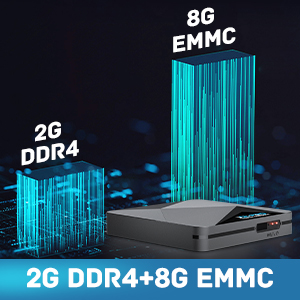
Retro video console comes with upgraded 2GB/8GB high-speed flash memory which makes possess double storage performance. 2G RAM+8G ROM expansion capacity ensures the speed and stability of the operating system.
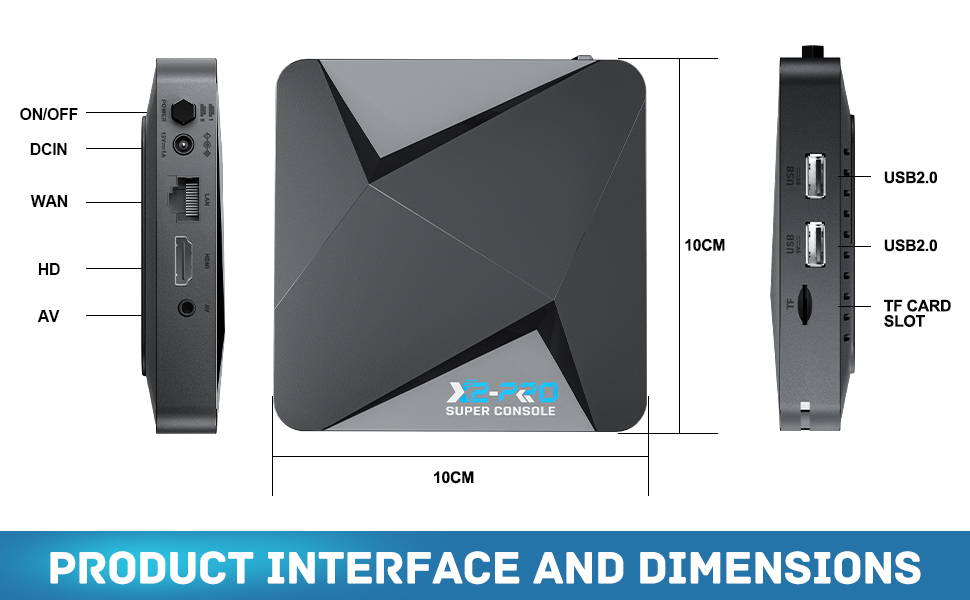

【Rich Classic Games】:super console X2 pro retro console built-in 65,000+ games (including 3D games), compatible with most emulators, supports adding games by yourself, and save game progress at any time
【Dual Systems In 1】:classic video game console is equipped with Android 9.0 / Emuelec 4.6 game system, systems can be easily switched by remote control
【Super Gaming Performance】: emulator console is equipped with the Amlogic S905X2 chip, Mali-G31MP2 GPU, and 4x Arm Cortex-A53 up to 1.8GHz CPU, which provides faster image processing speed and can run a large number of 3D games
【4K UHD Output】: retro gaming console supports 4K@60fps ultra-high-definition output, bringing you visual enjoyment, and supports 2.4G/5G, BT5.0, provides faster transfer speeds
【After-Sale Service】: In order for customers to better experience this game console, we have pre-installed video descriptions in the console, if you have any questions, you can contact us at any time, and we can help you solve this problem
$119.99