
Related Products


Home Security Camera System 3000TVL...

2K No Drill Window Camera-2 Pack...


Security Cameras Wireless Outdoor,2K...



Product description

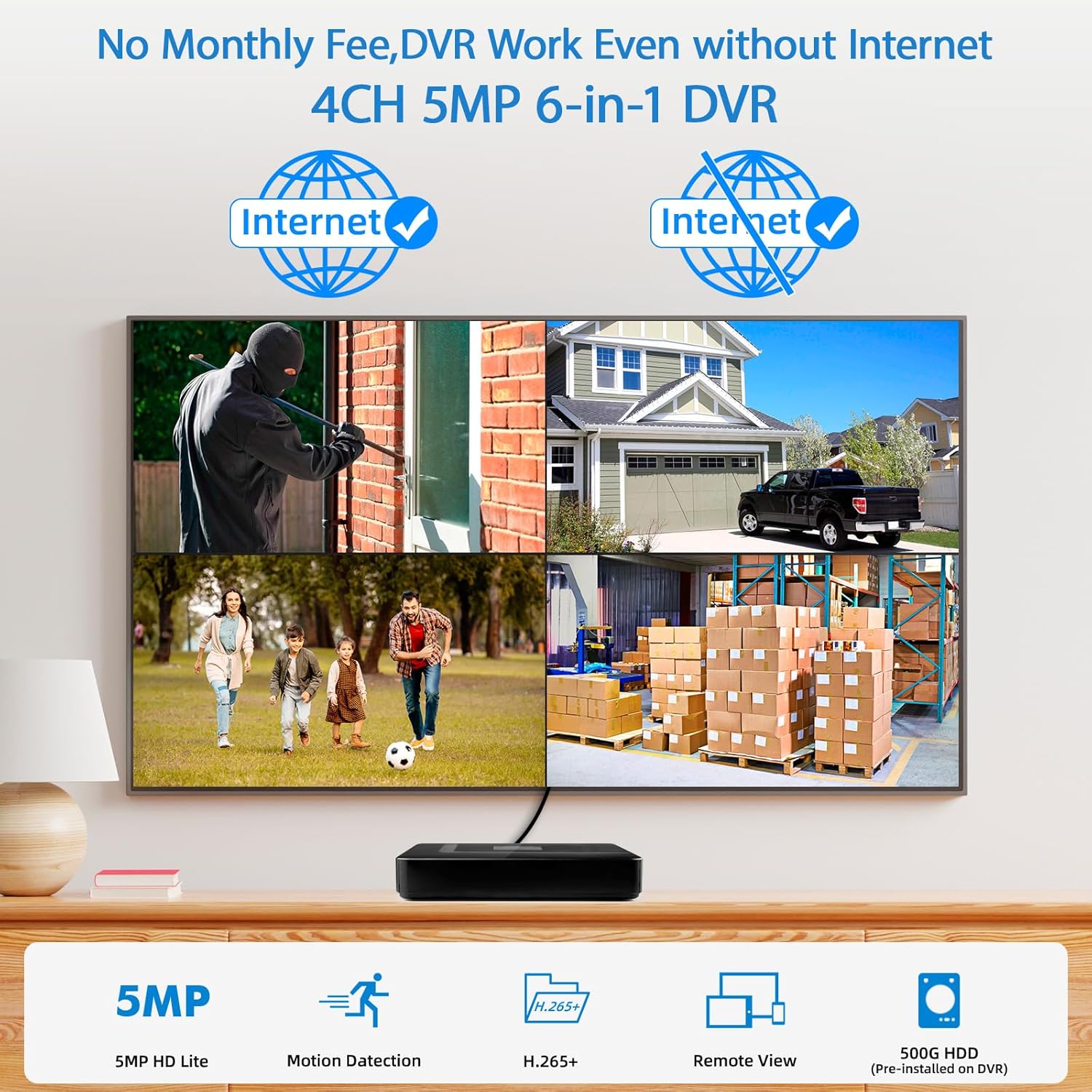
 With or Without the Internet
The local recording & live view function once you connect the DVR to a monitor/TV even without being connected to the Internet. Internet access is required only when you need remote control & motion push notifications.
 H.265+ for Smoother & Longer Recording
Upgraded to H.265+, the recording time is lengthened, and the bandwidth is lessened. And an included 500 hard drive saves you extra expense. (Support up to 8TB HDD.)


1 How to use DVR
2 Total Free APP
3 How to connect to the app
4 Remote Viewing
5 5MP 6-in-1 DVR


Fuers 4CH Security DVR Recorder Specifications
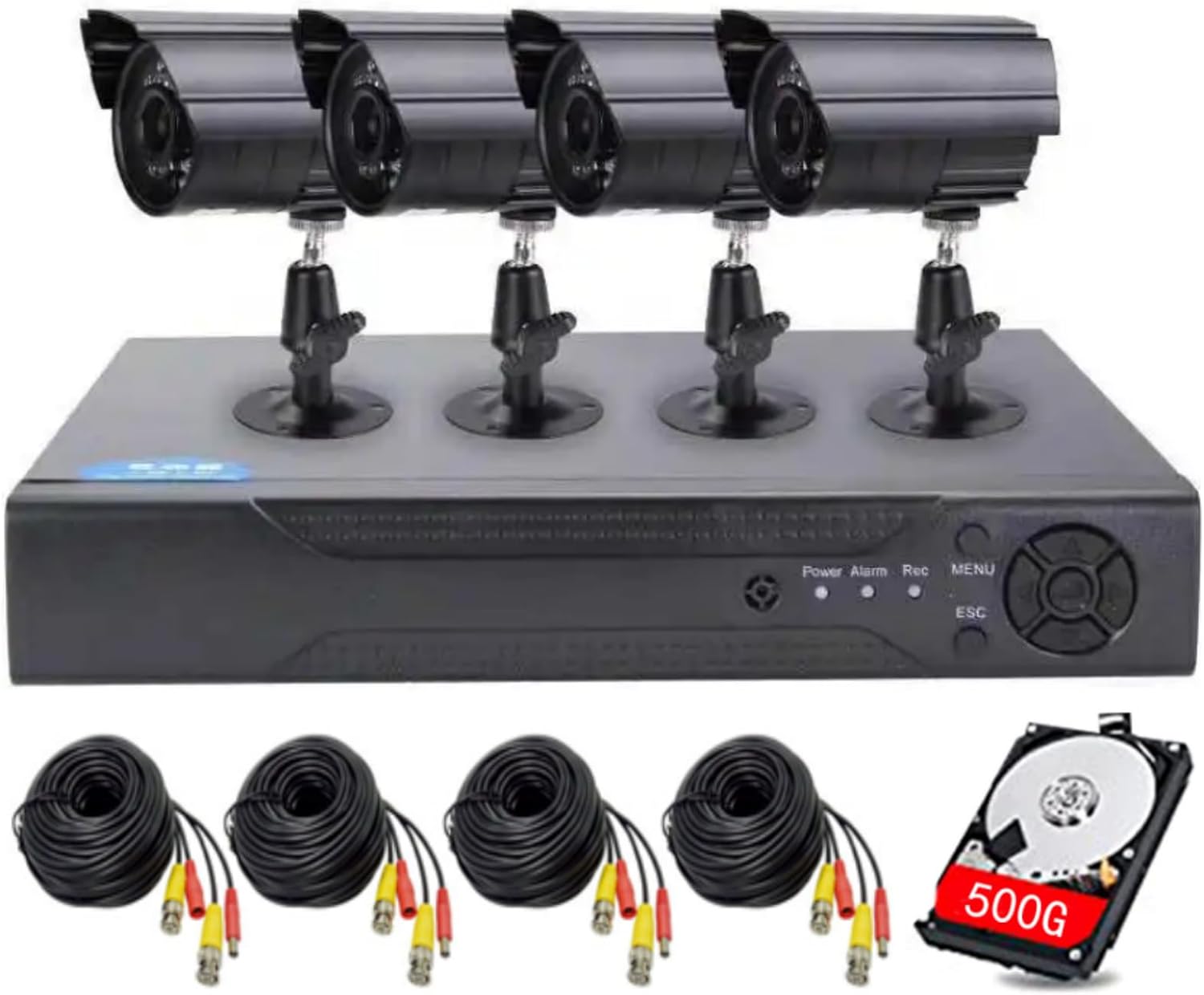
Video Input 4CH BNC Video Output 1 VGA(1080P at most);1 HDMI(1080P at most) Max. Playback Channel 2CH(analog input mode) HDD Capacity 500GB security-certified hard drive was pre-installed inside the DVR,Up to 8 TB Capacity USB 2* USB 2.0 ports Operating Power DC 12V/2A Record Mode Manual>alarm>motion detection>timing What’s in the Box? 1X A1004LME DVR, 1X Power Adapter, 1X USB Mouse, 1X User Manual Supported Human Detection Multi-mode input Analog:4*5M-N; 4*1080P; 4*4M-N, Network:8*5M(Connect via LAN) Supported Analog Camera Types Default 5M-N, 4CH*5M-N@20fps (5 in 1)/4CH*4M-N@15fps (5 in 1)/4CH*1080P@18fps (5 in 1) Supported IP Camera Types 8CH *5M@25fps IP Camera(Connect via LAN) Power Supply 12V Backup Mode Network, USB hard disk, USB burner, SATA burner Intercom Support Audio Compression G.711A
Camera connected monitor flickers?
1. You need to confirm whether the camera is activated. Use an object to block the light-sensitive ;2.Try replacing the BNC cable.3. Switch the signal type on the DVR: ri – XVI&AHD, switch the signal type of the channel.
Poor video quality?
Set encoding: In main menu – system – encode, adjust compression (H.265 better than H.264), Resolution (Higher is better), Quality (higher is better).
The DVR prompts that there is no available storage space?
The hard disk may need to be formatted. The formatting steps are: main menu – advanced – storage, click “Format Storage”
Where can I find the serial number?
Login the system, right-click – main menu – advanced – version, you can see the serial number and APP scan .
Video output compatibility issues?
HDMI has version requirements, and the version of HDMI cable and display must be ≥ 1.6;Change the output resolution in main menu – system – display.
Fuers Security Camera System
Add to Cart
Add to Cart
Add to Cart
Customer Reviews
3.2 out of 5 stars 16
3.9 out of 5 stars 252
4.0 out of 5 stars 147
3.8 out of 5 stars 59
3.8 out of 5 stars 22
3.6 out of 5 stars 10
3.8 out of 5 stars 59
Price
—
$65.99$65.99
$80.99$80.99
$79.99$79.99
—
—
—
Connection Type
BNC Cable(Not included)
BNC Cable(Not included)
BNC Cable(Not included)
BNC Cable(Not included)
BNC Cable(Not included)
/
BNC Cable( included)
Cameras
1* 5MP Bullet cameras
Not included
Not included
Not included
Not included
4 *5MP Dual lens cameras
2 *5MP Bullet cameras
Resolution
5MP
Support 1080P/5MP Cameras
Support 1080P/5MP Cameras
Support 1080P/5MP Cameras
Support 1080P/5MP Cameras
6MP
5MP
Weatherproof
✓
/
/
/
/
✓
✓
Hard Drive pre-installed
/
/
500G security Hard Drive
500G security Hard Drive
500G security Hard Drive
500G security Hard Drive
500G security Hard Drive
Video Compression Standard
H.265+
H.265+
H.265+
H.265+
H.265+
H.265+
H.265
Remote Phone APP
icsee
icsee
icsee
icsee
icsee
icsee
icsee
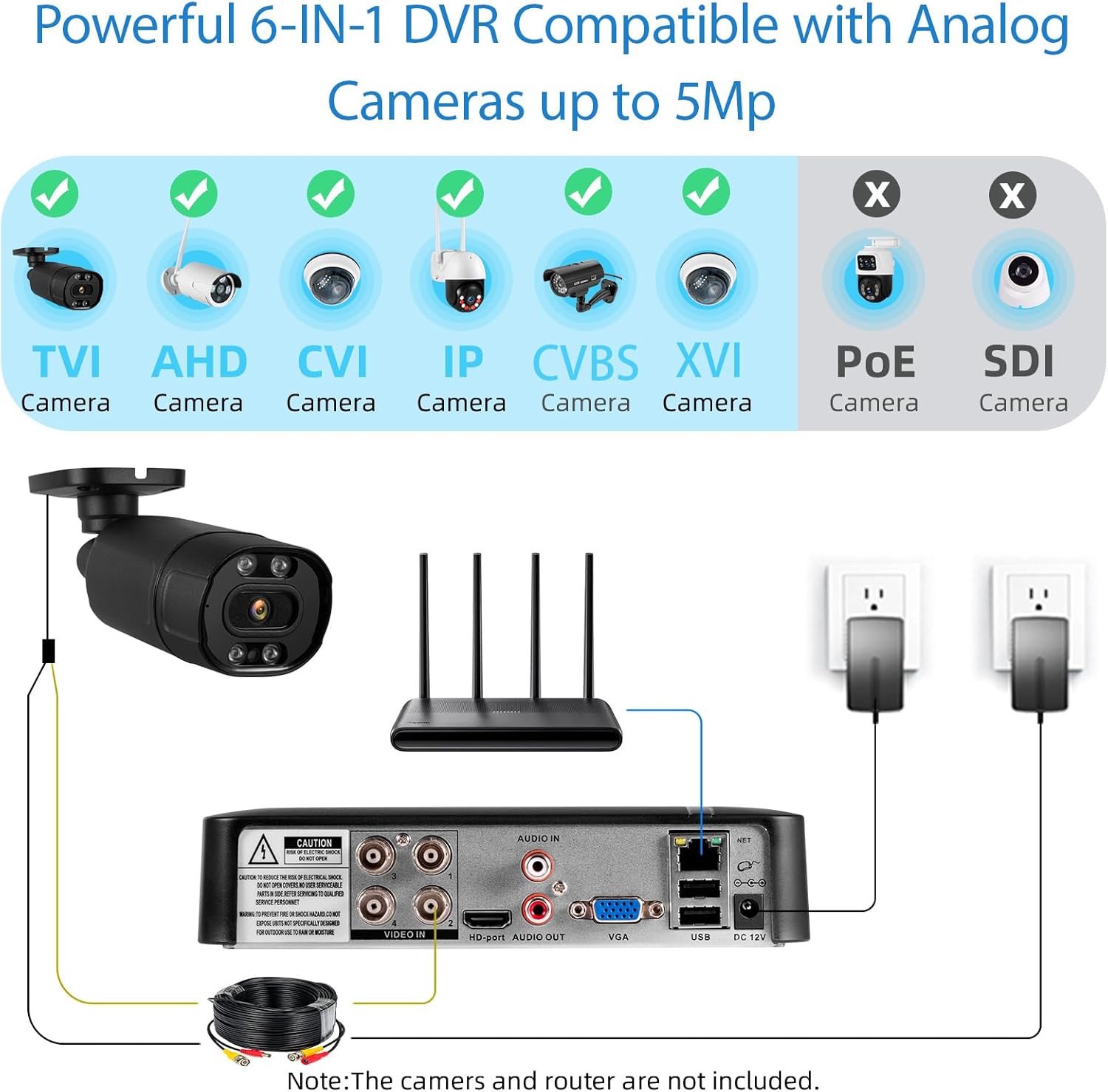
【 6-in-1 2MP 5MP Lite Security DVR & security camera system】This Super HD hybrid 4 channel security DVR is a full featured hybrid digital video recording system designed for use with 2MP/5MP 20fps HD TVI, AHD, CVI, XVI,CVBS,IP,analog security cameras. combing the features of DVR/NVR, Hybrid Capability 6-in-1 4 Channel 5MP Full 1080p DVR Recorder, with self-adaptive technology, Note: This DVR is recommended to be used in conjunction with Fuers cameras for an achieve optimal performance.
【DVR Work Even without Internet 】The series DVR can be used individually or online applied as a part of a safety surveillance network. – The recording goes on with an HDD inserted in the DVR, even without the Internet. No WiFi Worries: Surveillance Video Recorders Say goodbye to WiFi dependency! They don’t connect to your network or the internet; long-range coverage without compromising your privacy.Internet is only required when needing remote access, playback, etc.
【 Local or Remote Access & Free APP Alerts push 】When motion is detected, our motion technology will send you alerts on your mobile devices instantly.Remotely access and play surveillance footage and control the security DVR with no contract or monthly fees with app.View and control your security system locally by connecting the system to a monitor without internet, or via free VMS Client software on tablet, PC, or via Smartphone APP (XMEye or icsee ) on mobile devices remotely.
【Security-Grade 500G HDD & H.265+ Coding】This 4 channels DVR utilizes intelligent algorithms to adapt a high/low bitrate whether the scenario is complex , H.265+ coding offers longer record time, saving up to 50% of storage space than H.264 systems.You’ll enjoy fast & smooth streaming without latency when accessing the DVR. You can also playback significant evidence or funny videos records by searching different days, hours or minutes.And an included 500G hard drive saves you extra expense.
【Note】When connecting the camera, please check if it is compatible with your camera based on the following parameters: Default 5M-N,1.DVR supports 4* 5MN@20fps,supports cameras with frame rates not exceeding 12 and resolutions not exceeding 5MN;2.Support 4* 4MN@15fps,supports cameras with frame rates not exceeding 15 and resolutions not exceeding 4MN;3.Support 4* 1080P@18fps, support cameras with frame rates not exceeding 18 and resolutions not exceeding 1080P.
$74.99