
Related Products



Product description


1 Compatibility
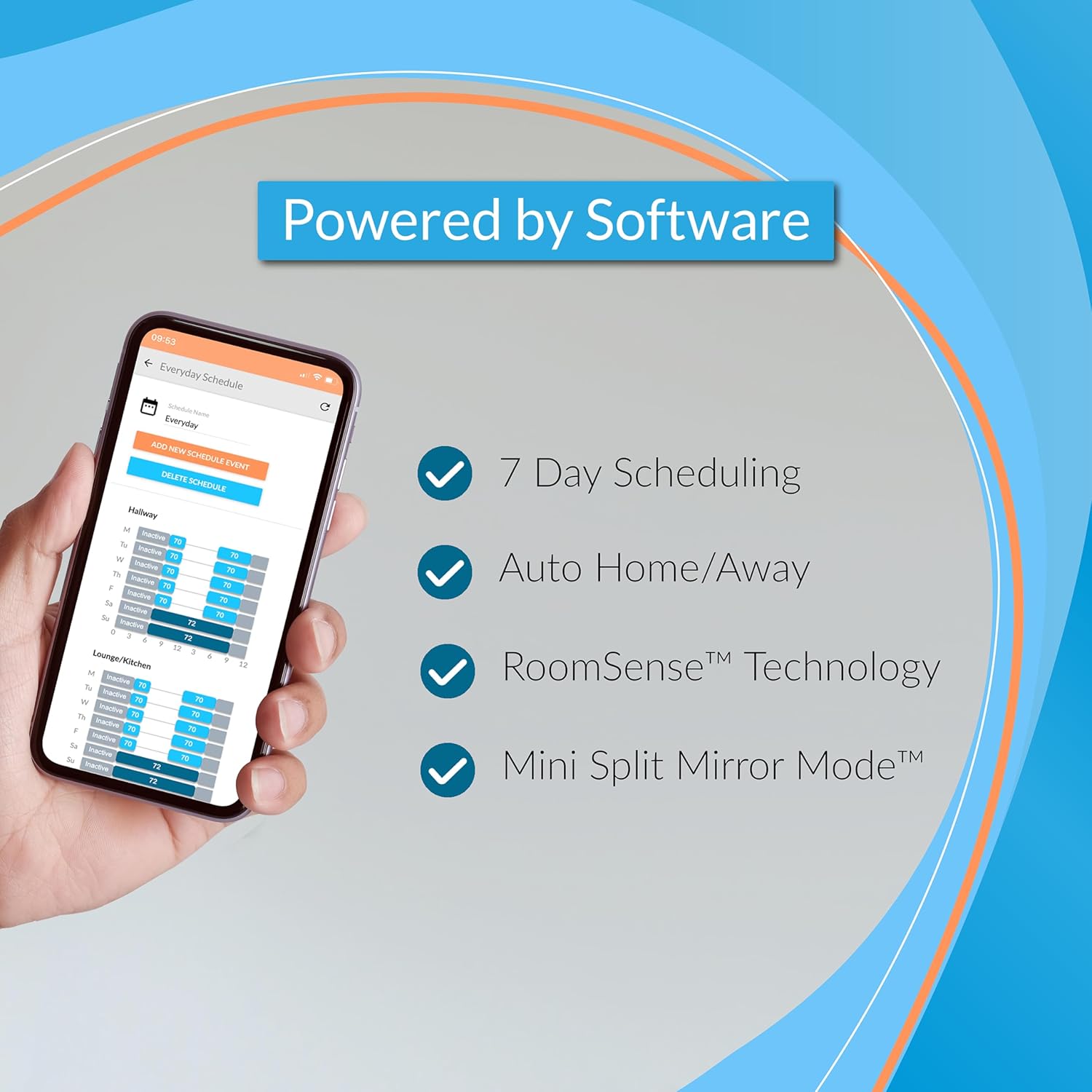
2 Software
3 Voice Control
Install the Flair App
To get started with installation and setup, download the Flair app and create your Flair account. The app is available on the Apple App Store and Google Play Store, plus a web app that can be accessed from a browser.
Run the Setup
The Flair app will guide you through step-by-step instructions to connect your devices and complete setup. We recommend keeping your Flair devices near you during setup so they can easily be discovered.
Self Help
Flair has an extensive knowledge base of information. You can access installation guides, user guides and common troubleshooting on our support website.
Contacting Flair
Still experiencing issues? We’re here to help. Visit our website for Live Chat (9am-8pm ET Mon-Fri & 9am-12pm ET Sat) or to send a message to our team and we’ll get back to you as soon as possible.
Flair Puck Tech Specs
Color Pearl White Connectivity • Wi-Fi • 915 MHz Radio for device to device communication • Infrared (IR) with extensive database of commands and codes for all major AC brands Power • Wireless: 2 x AAA Batteries (1+ Year Battery Life) • Wired: Micro-USB (adapter and cable included) Sensors Temperature, Humidity, Pressure, Ambient Light Interaction • Rotation and Click • E-ink Display • Supports temperature display in Fahrenheit and Celsius Mounting/Positioning Options • Adhesives (command strip) to wall • Screws on to wall • Built in stand to prop up on a surface Software Software updates over the air (SPOTA) What’s in the Box • 1 x Puck • For Power: 1 x USB-A Cable, 1 x Power Adapter (Type A US/CA/MX), 2 x AAA Batteries • For Mounting: 2 x Screws, 1 x Mounting Adhesive Notes The Flair Bridge (sold separately) is required for new Flair homes using Smart Vents. The Flair Bridge is recommended for mini split/ductless heat pumps and required for the Puck to be wireless. Customer Support Flair has a dedicated support team to assist, available 9am-5pm ET (Monday to Friday) – please visit Flair’s website.
The Flair Puck is a companion product to Flair Smart Vents or a standalone mini split controller, bringing precise airflow & intelligent control for heating/cooling your smart home.
For Central HVAC Systems with Ductwork – Use the Puck to control Flair Smart Vents for room-by-room temperature control. Fix a single room that overheats or overcools, or balance temperatures for multiple rooms. Every room with Smart Vents needs a temperature sensor so Flair can keep track of temperature changes in the room. A temperature sensor can be a Flair Puck, Integrated Smart Thermostat, or Room Sensor.
For Mini Splits/Ductless Heat Pumps – The Puck connects with 200+ brands of mini splits, window units, and portable ACs via infrared (IR)—no wiring or additional connections required. 1 Puck is required for every mini split head unit.
When paired with the Flair Bridge, the Flair Puck is the only fully wireless solution for mini-split control. Competitor solutions require a constant plugged-in power source or dock, meaning they must always be connected to a wall outlet to function.
The Flair Puck’s powered options make for a quick and hassle-free install. Use the supplied AAA Batteries or the supplied USB Cable and Adapter.