
Related Products
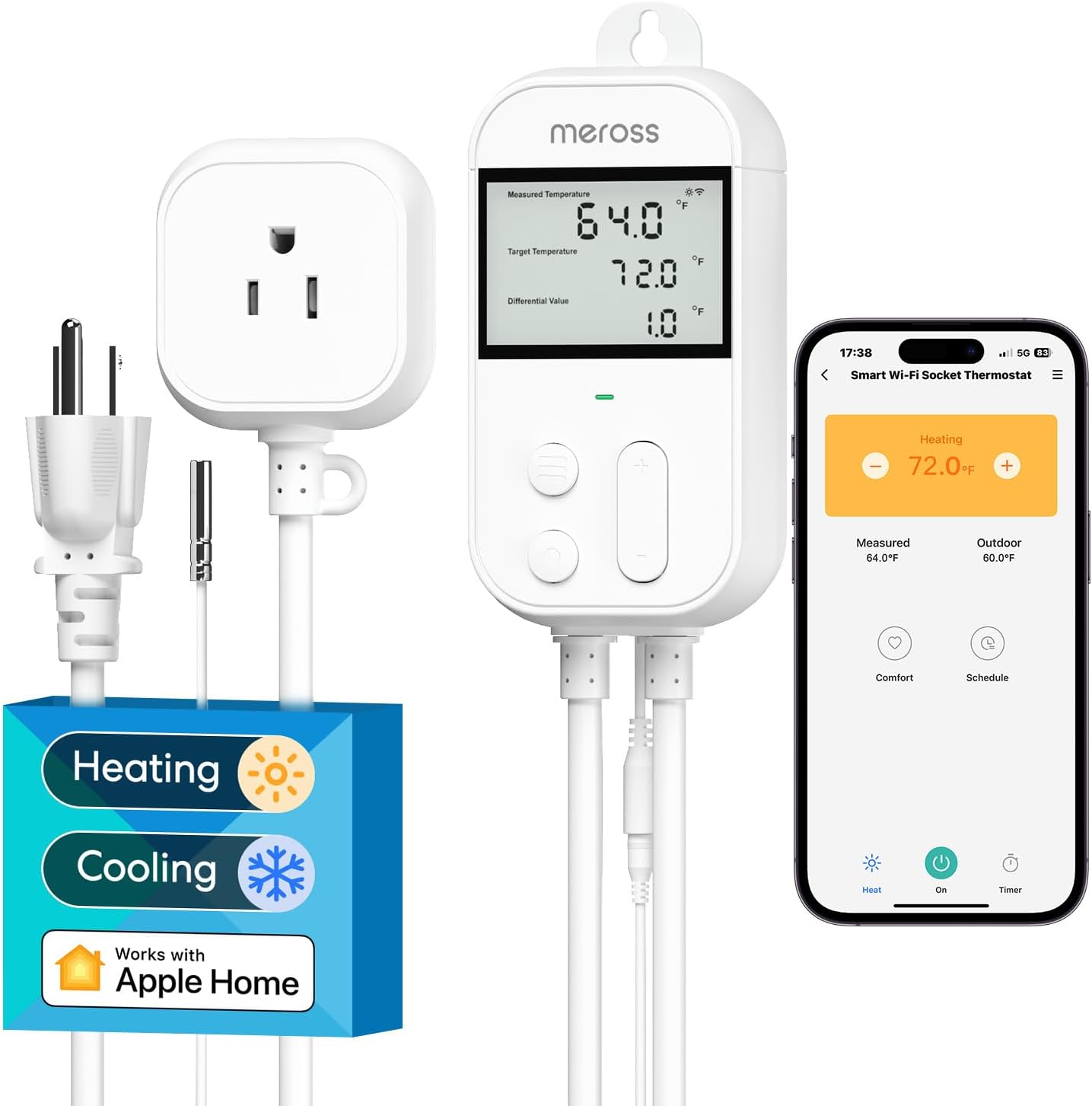
meross Smart Temperature Controller...


AC Infinity Controller AI+ Environmental...

AC Infinity Controller 69 PRO+,...


Product description

Where is the product used?
Our 30A smart switch can make traditional electrical appliances intelligent, enabling users to save electricity and enjoy a smart life. Commonly used household appliances include hot water heater, bathroom extractor fans, water pump motor, light, etc.
Technical Details
Name eWeLink 30A Wifi Smart Switch Voltage 120V AC / 240V AC WIFI Standard WIFI (802.11 b/g/n 2.4GHZ) APP eWeLink Wattage with 6000 watt resistive load, 800 watt inductive load. Function 1 Remote turn on or turn off Function 2 Timing Schedules Function 3 Device Sharing Function 4 Create automated scenario Function 5 Works with Alexa and Google home
How to pair it with the eWeLink APP?

1.Search for “eWeLink” in the APP Store or Google Play, then download and install it.
2.Register an account.
3.Turn on the Bluetooth of your mobile phone and select the 2.4G WiFi frequency.
4.Power on the device. The device will automatically enter the network configuration mode (The indicator light flashes twice and stays on steadily once.). If not, please press and hold the pairing button for 5-7 seconds).
Method 1: Quickly pairing mode:
Click “+” to add a device. Click the “Next”,The app will automatically search for devices,Then click “+”, click “Next”, click “Next”,Click “Done”.
How to pair it with the eWeLink APP?

Method 2: Compatible Pairing mode
Click “+” to add a device,Click the compatibility Compatible button at the bottom. press the pairing button until led flash blink constanly(press and hold around 7-15s)
, then click “Next”,enter wifi name,go to connect “ITEAD-xxxxxxxx”,password:12345678, After connecting, click “Allow” to connect to the previous Wi-Fi network, and the pairing is completed.

Works with Amazon Alexa & Google Home Assistant
How to connect to third-party application such as alexa and google assistant?
Click the Profile in the ewelink APP, click the work with button, and display the binding methods for various Smart speakers. For specific methods, please refer to the ewelink APP.
How to set up an independent 2.4G WiFi?

Q: How do I set up a dual-band router to broadcast only a separate 2.4GHz Wi-Fi network?
A: The specific steps may vary depending on the router brand, but the general process is to log in to the router’s management interface, locate the option to disable band steering (or Smart Connect), and then configure the 2.4GHz network settings separately.
【 High-Powered 】Works with most AC-powered devices up to 30A, such as air compressor,water pump motor,hot water heater and High-power electrical appliances, making it a versatile choice for your smart home needs.
【 APP Remote Control 】eWeLink APP enables you to control the devices anywhere with one tap via iOS & Android smart phone, no distance limitation. You can also track the devices real-time status anytime
【 Schedule Automatic Control 】By presetting timers or schedules on eWeLink App, a lamp can be automatically turned on/off at a specific time. Automate your home appliances via 3 timing types: scheduled timing, countdown timing and loop timing
【 Smart Scene 】 You can create smart scenes in order that one device can trigger on/off another one or gather multiple devices into one group and tap to run them together
【 Hands-free Voice Control 】WiFi Switch is compatible with Amazon Alexa ( Amazon Echo/Echo Dot/Amazon Tap) and Google Home. It allows you to use your voice to control home devices and enjoy hands-free experience.NOTE: 1.Please cut off the power before installing the device. 2.The router must be 2.4GHz (5.0 GHz WiFi is not supported), but there is no limitation for smart phone network (2G/3G/4G/WiFi network is ok).
User Manual:We provide instruction manuals in both Chinese and English. One side is in Chinese and the other side is in English.
Original price was: $16.99.$15.97Current price is: $15.97.